What to Check Before You Choose AI Lip Sync
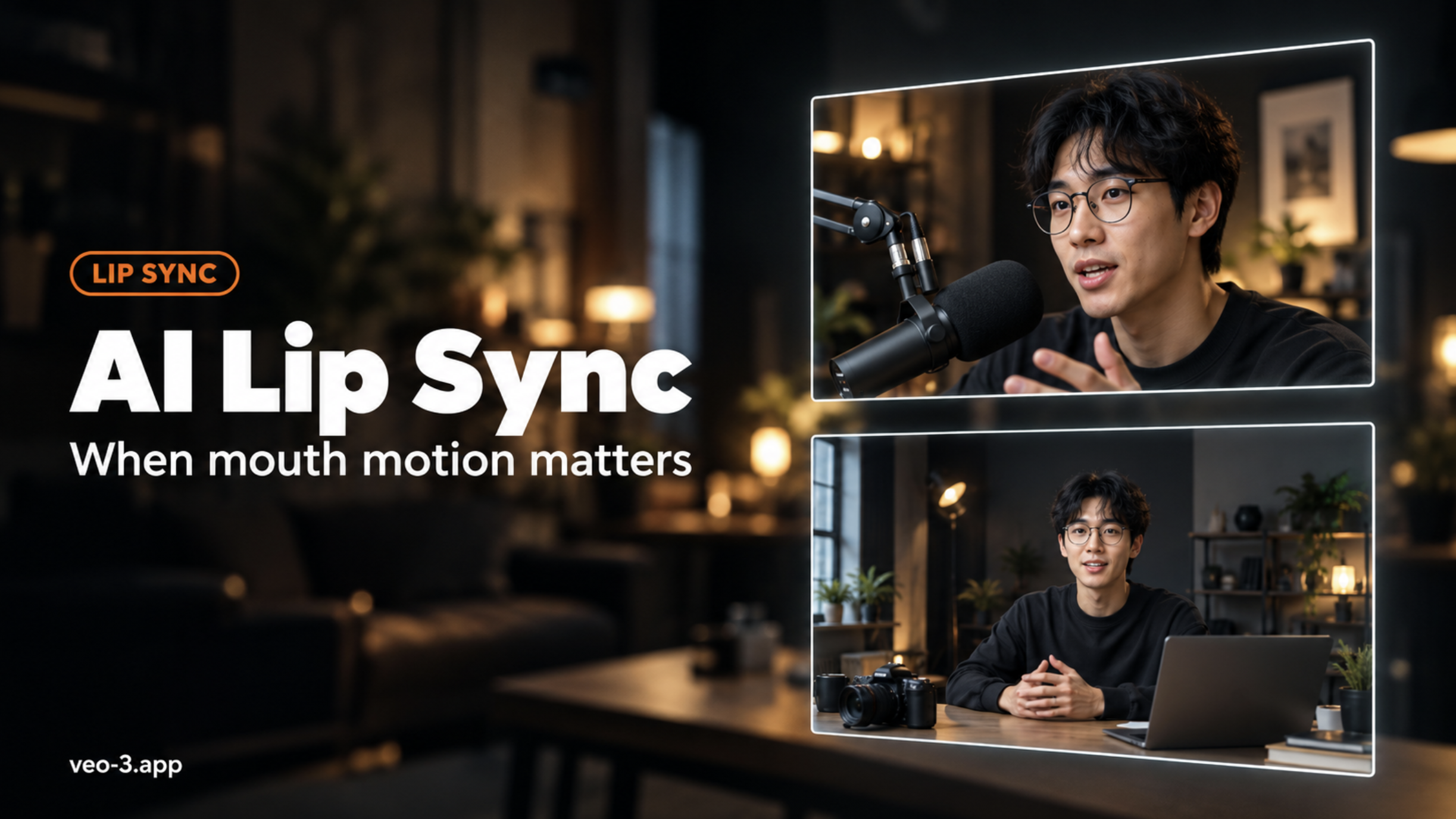
Quick take: Use AI lip sync when the face is already the hero and the audio line is locked—then match mouth motion to that line inside the same AI video generator on veo-3.app. Skip a separate “lipsync-only” site: Lipsync here is a homepage capability on the generator, not a standalone
/lipsyncproduct page. Pick the job first (native talking clip vs still-driven talk vs polish after generate), then spend credits only on the take where viewers will watch the mouth.
Searchers typing AI lip sync often land in the wrong mental model: they expect a dedicated sync studio, a long dubbing farm, or a brand-vs-brand shootout. What they actually need is a clear decision—when mouth motion is worth the credit spend, and when regenerating the whole beat is cheaper. This page is a selection guide, not a step-by-step tutorial clone. It stays on veo-3.app: open Lipsync from the same generator surface as Text to Video and Image to Video, read the estimate, preview, then decide. Live plan sizes sit on pricing; starter balance tips sit on free credits.
If the story, framing, or character still feels wrong, fix that in generate first. Mouth polish on a weak take only makes a soft idea look expensive.
Treat AI lip sync as a finishing choice, not a default checkbox. Mature selection pages start by separating jobs; we keep that habit without turning this into a howto checklist farm.
Spec checklist (read before you burn credits)
| Spec | Ask yourself | Fit signal |
|---|---|---|
| Face readability | Is the mouth visible and mostly front-facing? | Soft side angles and heavy occlusion often need a cleaner generate, not only sync |
| Audio lock | Is the line final (script, VO, or take)? | Sync after the audio stops changing |
| Clip job | Native talking scene, still + speech, or polish on an existing generate? | Match the job; do not invent a separate product URL |
| Length | Short talking beat or long lecture? | Prefer the shortest usable talking cut while you test look |
| Delivery | Social close-up, ad hook, or B-roll where mouth is tiny? | Spend sync only when viewers will notice the mouth |
Three job types (pick one)
- Native talking clip — You want a short scene where speech and mouth motion arrive together from the generator. Strong when the dialogue is part of the beat, not a late VO swap.
- Still-driven talk — You already have a face still (or locked framing) and a line; you need mouth motion that follows that audio. Strong for presenters, explainers, and character hooks.
- Polish after generate — Motion and framing are already right; only the mouth–audio match needs a lift. Strong when regenerating the whole shot would waste a take you already like.
On veo-3.app, those jobs hang on the same AI video generator surface—Lipsync is listed with the other homepage capabilities. There is no independent /lipsync or /lip-sync landing page to bookmark; stay on the generator and choose the Lipsync path there.
What “good enough” means for mouth motion
- Mouth opens and closes on the audible syllables, not half a beat late.
- Teeth and lip corners do not flicker every frame.
- Head and expression still feel like the same character you locked.
- At 100% preview on a close-up, nothing looks “plastic” unless you asked for stylization.
If two of those fail on a short sample, change one variable (audio trim, framing, or model tier)—do not stack blind full-length retries.
When Mouth Motion Matters (and When It Does Not)
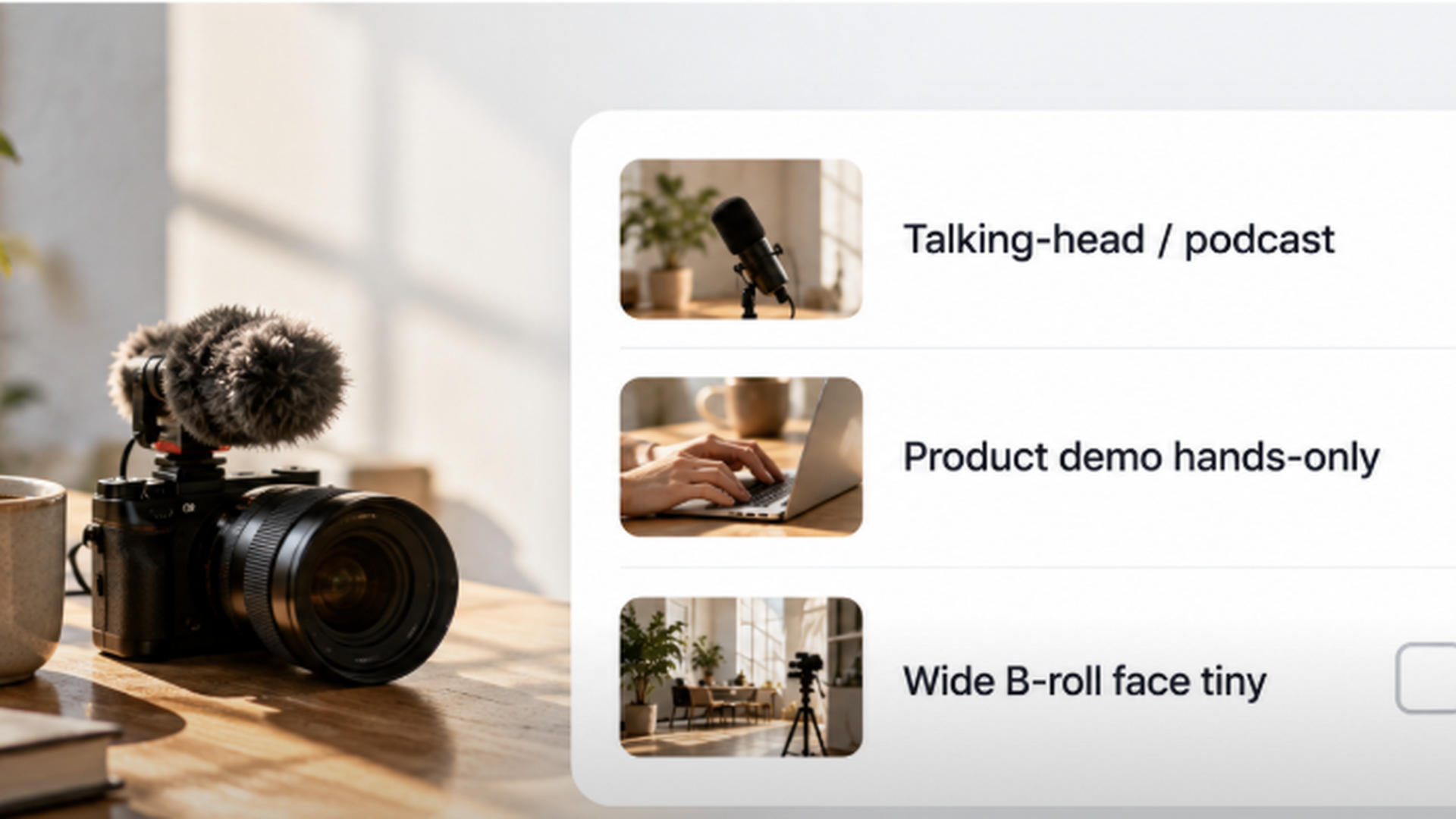
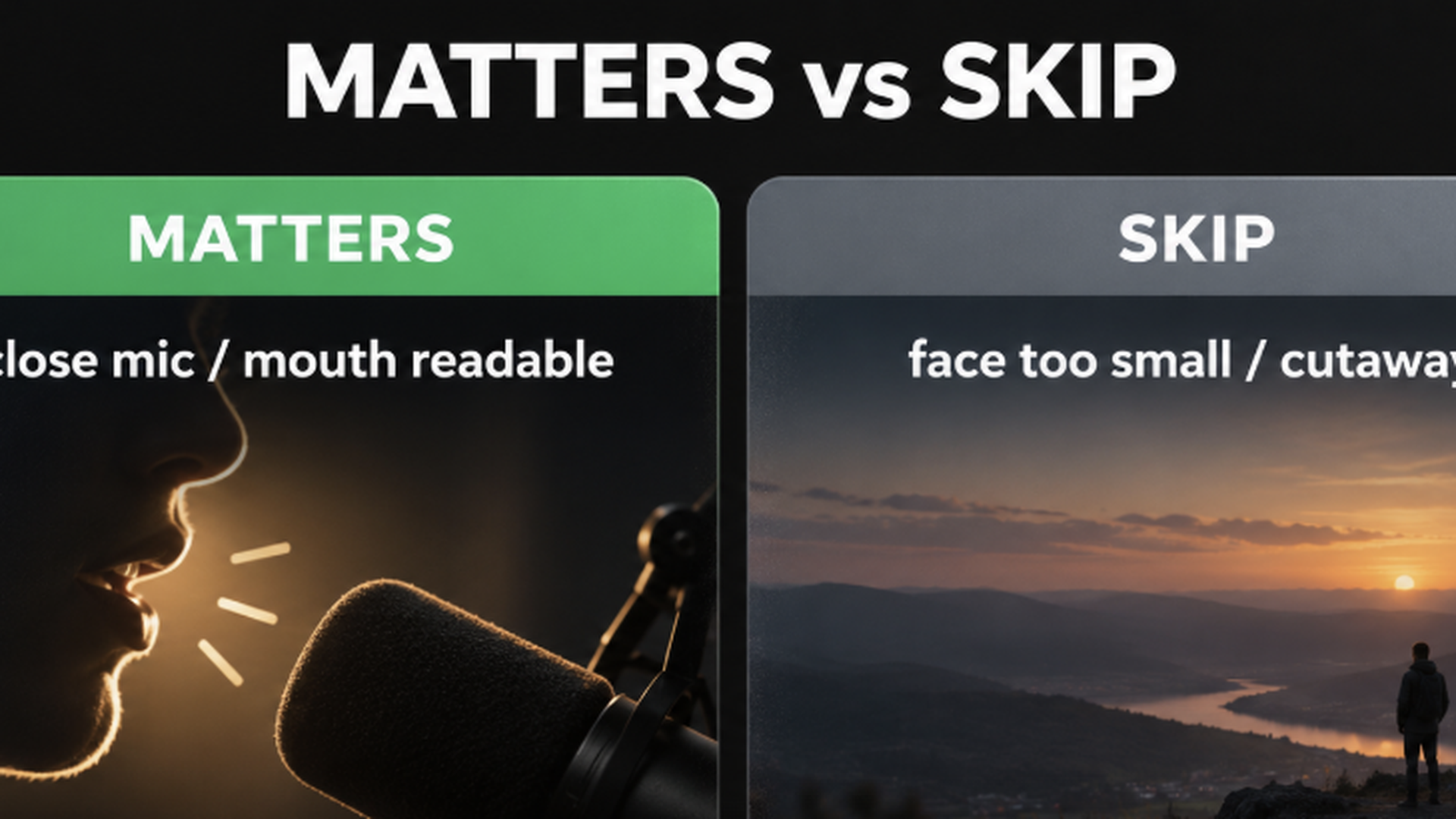
Mouth motion earns credits when the viewer’s eye is on the face. It is optional when the mouth is a tiny detail the feed will crush.
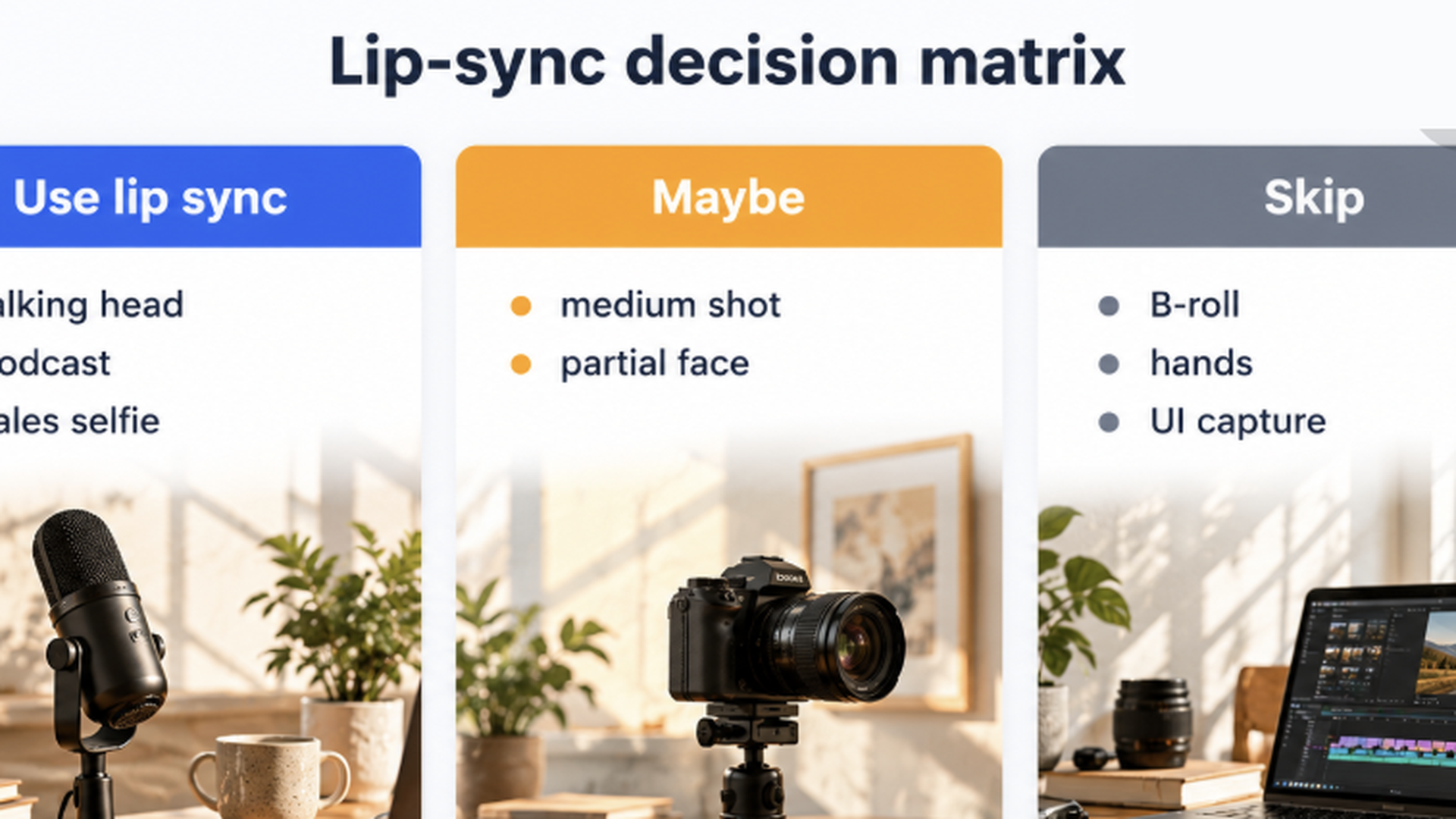
Use AI lip sync when
- The hook is a talking head, product explainer to camera, or character that sells the line.
- You already like the framing and only need the mouth to match locked audio.
- You are comparing two audio takes on the same visual and want a fair mouth match.
- Export is a close-up or mid-shot where lips are readable on mobile.
Skip (or delay) lip sync when
- The beat is still a prompt experiment—story or blocking will change.
- The subject is wide, backlit silhouette, or mostly hands/product; mouth is not the sell.
- Audio is still a draft VO you will rewrite tomorrow.
- You need a sharper export more than a talking fix—finish story first, then consider an AI video upscaler pass on the locked clip if clarity is the only gap.
Boundary vs regenerate
| Situation | Prefer |
|---|---|
| Wrong words, wrong emotion, wrong face | New generate (Text to Video / Image to Video) |
| Right face + right line, soft mouth match | AI lip sync on that take |
| Right mouth, soft pixels for delivery | Upscale or re-export at the real target—not endless sync loops |
| Unsure which model tier | Cheap short sample first; read the credit estimate |
Keep prompting craft in the sister howto—How to Make AI Videos with Veo 3—and use this page only for the mouth-motion decision.
Decision Matrix and Copy-Ready Prompt Blocks
Use the matrix to pick a route, then paste a prompt block into the AI video generator. Numbers on screen win over any blog memory—always re-check the estimate and pricing.
Job → fit matrix
| Your job | Better fit | Why | Watch-out |
|---|---|---|---|
| Short cinematic line in-scene | Native talking generate, then Lipsync only if needed | Speech belongs in the beat | Do not over-polish a take you will rewrite |
| Presenter / explainer to camera | Still-driven talk + locked VO | Face stays consistent; audio is the control | Front-facing, well-lit stills win |
| Character hook for ads / social | Still or generate + AI lip sync | Mouth is the conversion detail | Keep the cut short while testing |
| Wide B-roll with tiny faces | Skip sync; spend on better generate or edit | Viewers will not audit lips | Sync credits are better elsewhere |
| Locked visual, new language VO later | Sync after VO is final | One visual, many audio passes | Finalize timing before full-length runs |
Copy-ready prompt blocks (adapt, then estimate)
A — Native talking beat (dialogue in the scene)
Close-up of a confident product host facing camera, soft key light, shallow depth of field.
They say clearly: "This clip is ready when the mouth matches the line."
Natural lip motion timed to the dialogue, subtle head nod, no extreme grin.
Keep framing locked; cinematic, clean background, 24fps look.
B — Still-driven talk (face locked, audio leads)
Animate this portrait: keep identity, hair, wardrobe, and framing identical.
Drive mouth and slight jaw motion from the attached audio only.
Neutral professional expression; blink naturally; no new props.
Front-facing; prioritize clean lip sync over big gestures.
C — Polish intent (mouth match on an almost-final take)
Same shot and character as reference. Keep camera and wardrobe unchanged.
Tighten mouth shapes to the final VO; reduce lip lag and tooth flicker.
Preserve skin texture; avoid plastic over-smoothing.
Output a short talking close-up suitable for mobile feed review.
Change one line at a time after the first preview. If the short sample already looks over-processed, drop tier or shorten before a full-length pass.
Credit habit (selection, not a ritual)
- Lock audio + face.
- Run a short sample with AI lip sync; read the estimate.
- Preview at 100% on a syllable-heavy frame.
- Only then run the full talking cut.
- If balance is low, compare plans on pricing or start from free credits—do not memorize blog screenshots.
FAQ: Mouth Sync Decisions
Is Lipsync a separate product page on veo-3.app?
No. Lipsync is a homepage capability inside the AI video generator. Paths like /lipsync are not the product landing—bookmark the generator.
Should I always lip-sync every AI video?
No. Sync when the mouth is on-camera and the line is final. Skip when the face is tiny or the beat will change.
What if teeth look wrong or the mouth lags?
Trim to a short sample, change one control (audio timing, still quality, or tier), re-estimate, and preview again. Stacking full-length retries rarely teaches you the fix.
How is this different from upscaling?
Upscale sharpens pixels after the story is locked. Lip sync aligns mouth motion to audio. Different jobs—see the AI video upscaler guide when clarity—not speech—is the gap.
Where do credits and free entry live?
Task cost is the on-screen estimate; plan sizes are on pricing; starter notes are on free credits. The homepage Free entry is how many people start.
Ready to Match Mouth Motion?
Open AI lip sync inside the AI video generator, lock one talking take and its final audio, run a short sample, read the estimate, then commit the full pass only when the mouth holds at 100% preview. Compare allowance on pricing, or start from free credits / the homepage Free entry if you are still proving the first beat.
Related reading
- AI Video Upscaler Guide: Sharpen Generated Clips Before Export — when clarity needs a finish pass after the mouth is right.
- How to Make AI Videos with Veo 3: Prompts, Models, and Revisions — prompting and revision habits once the talking decision is locked.