3 available
0 / 20000

Prompt-generated images include the Veo 3 watermark when removal is not available on your account.

View paid options for watermark control

Nano Banana Pro is coming soon. Prepare your prompt below, or choose an available model to generate now.

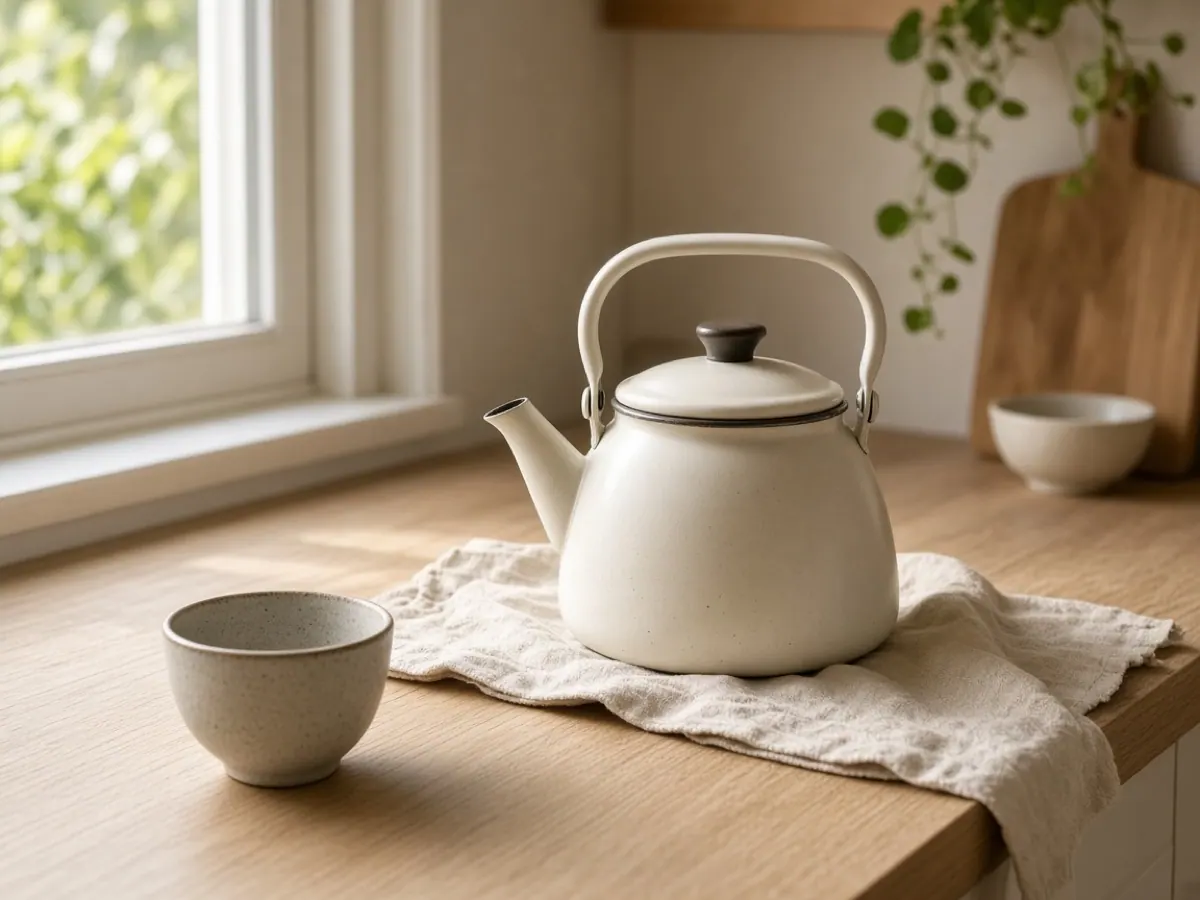
An unbranded enamel kettle on a pale oak counter in morning light
Keep this tab open until the prompt task finishes; the completed result is also recorded in My Creations.

Nano Banana Pro image generator

Nano Banana Pro is an image model for stills that have to stay precise: posters and mockups with readable type, labeled diagrams, and scenes assembled from several references. One composition can keep up to five people recognizable and carry as many as fourteen objects, at 1K, 2K, or 4K.

Nano Banana Pro is coming soon to Veo 3. Prepare a prompt, an aspect ratio, and an output size in the form above. To create an image today, select an available model; choose Image to Image when your idea starts from a source picture.

Prepare your prompt
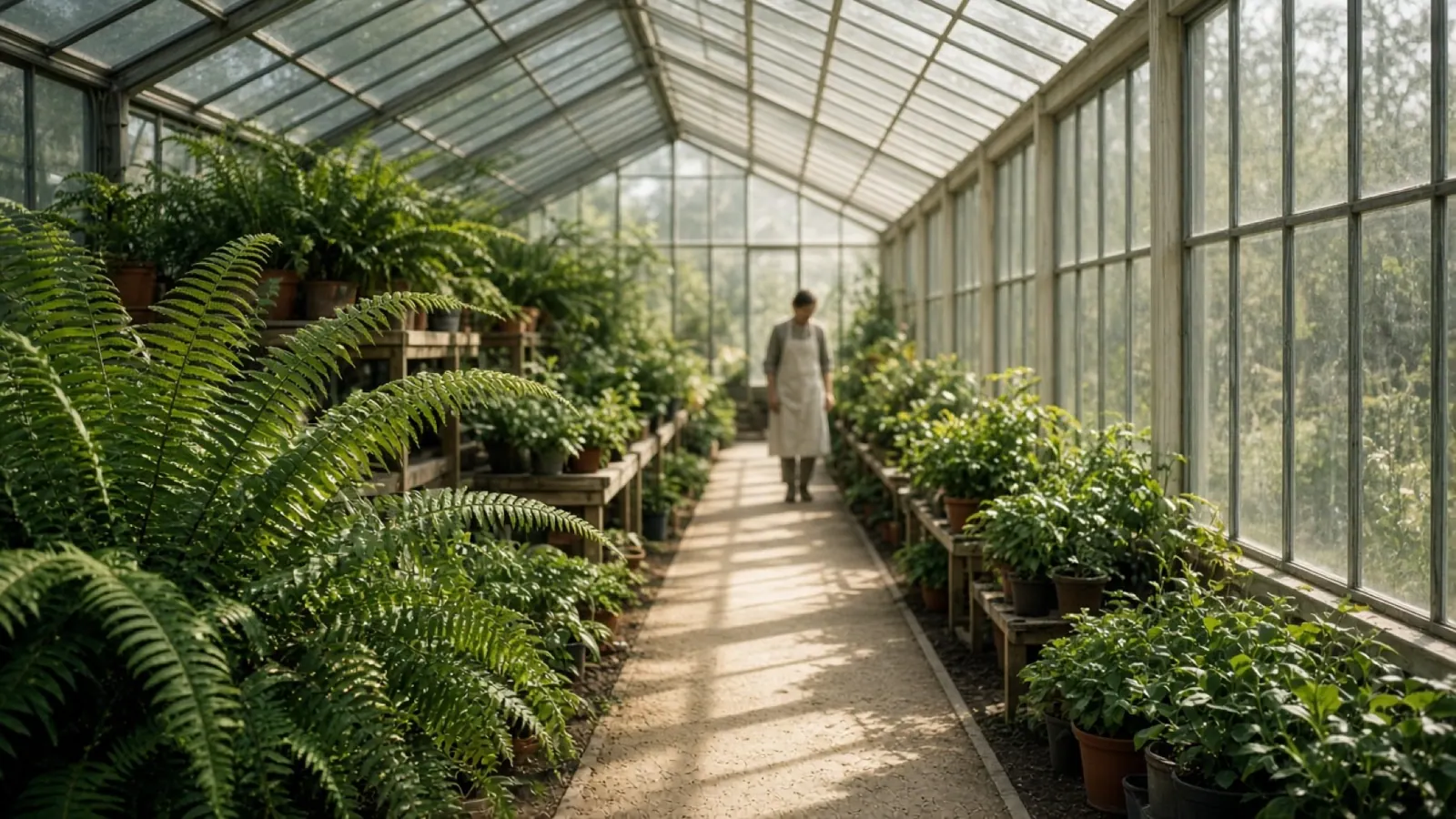
Sunlit greenhouse aisle with ferns along a gravel path

What Nano Banana Pro is built to handle

Each block is a different still. Pick the one that matches the frame you need.

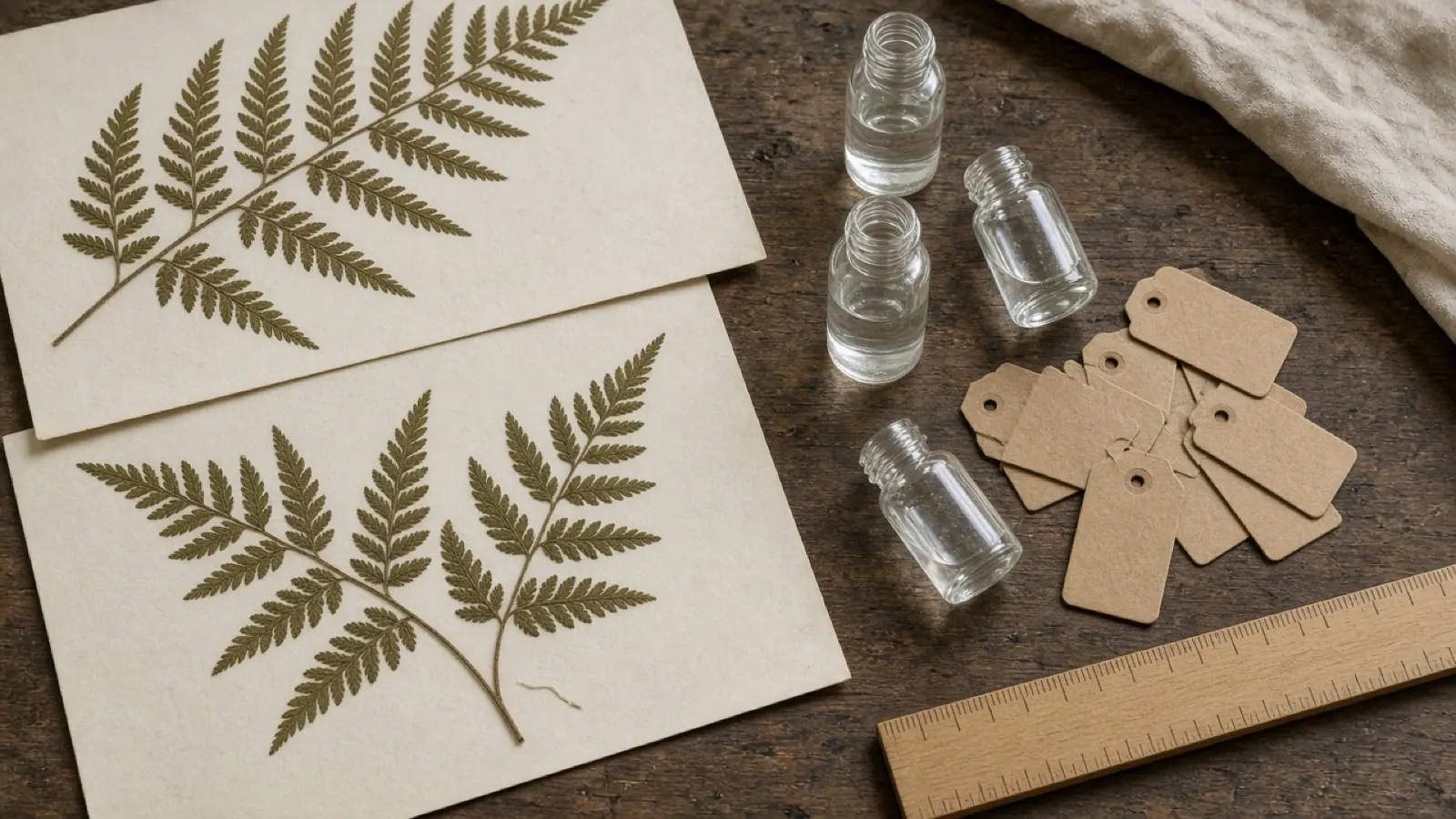
Botanist bench with pressed ferns, glass vials, and blank tags01
01

Labeled diagrams and explainers

A frame can carry steps, callouts, or a simple explainer when the prompt supplies the facts. Handwritten notes can be turned into a diagram. Check every number and proper name at full size before you publish; a source can be misread.

Start from a prompt
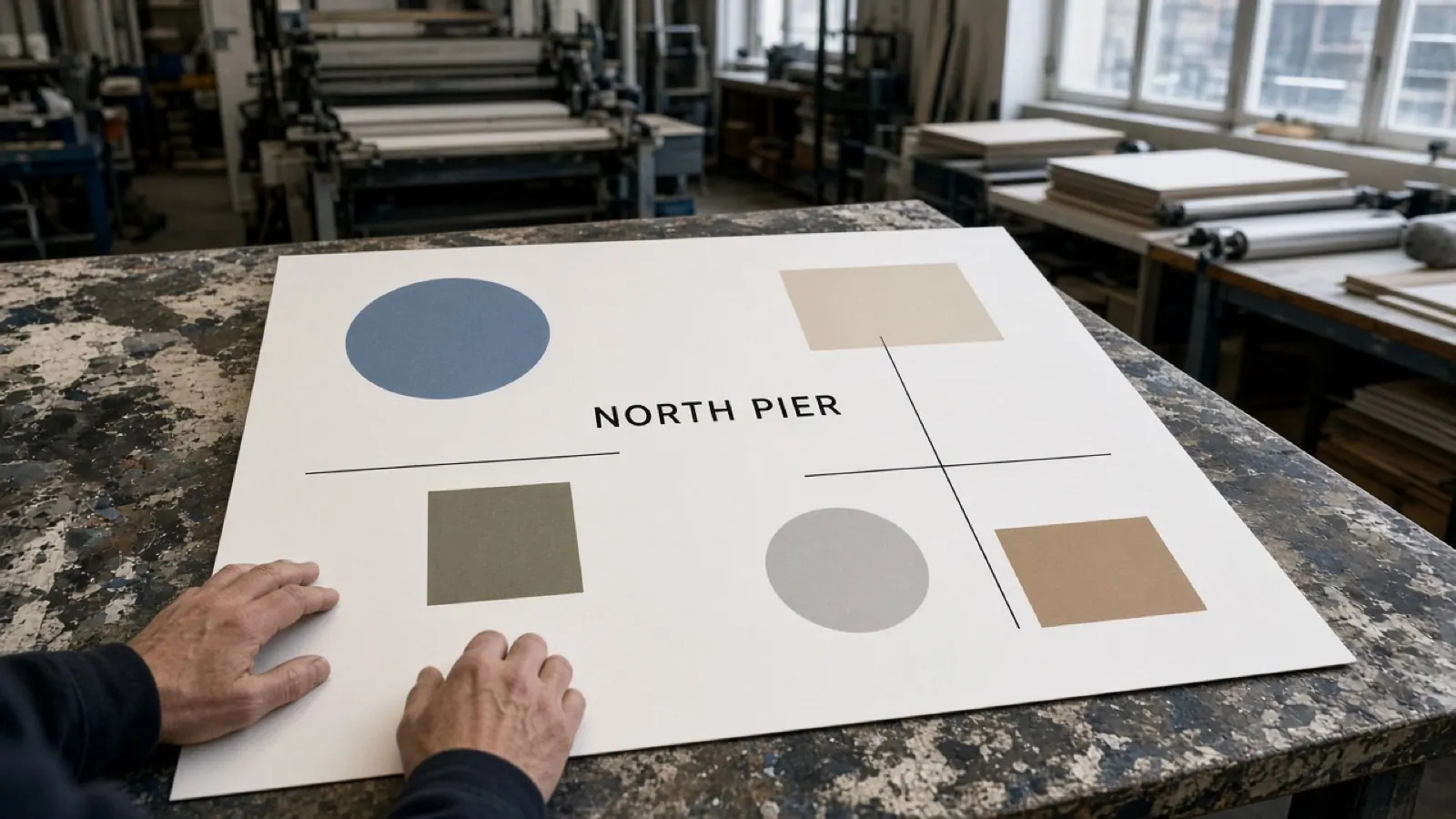
Print-shop table with a poster proof that reads NORTH PIER02
02

Type inside the picture

Slogans, menu lines, packaging copy, and longer passages can sit in the composition, including more than one language. Paste the final wording and name the language. Inspect spelling and line breaks at the output size, and set prices or legal lines in a layout file afterward.

Set the wording
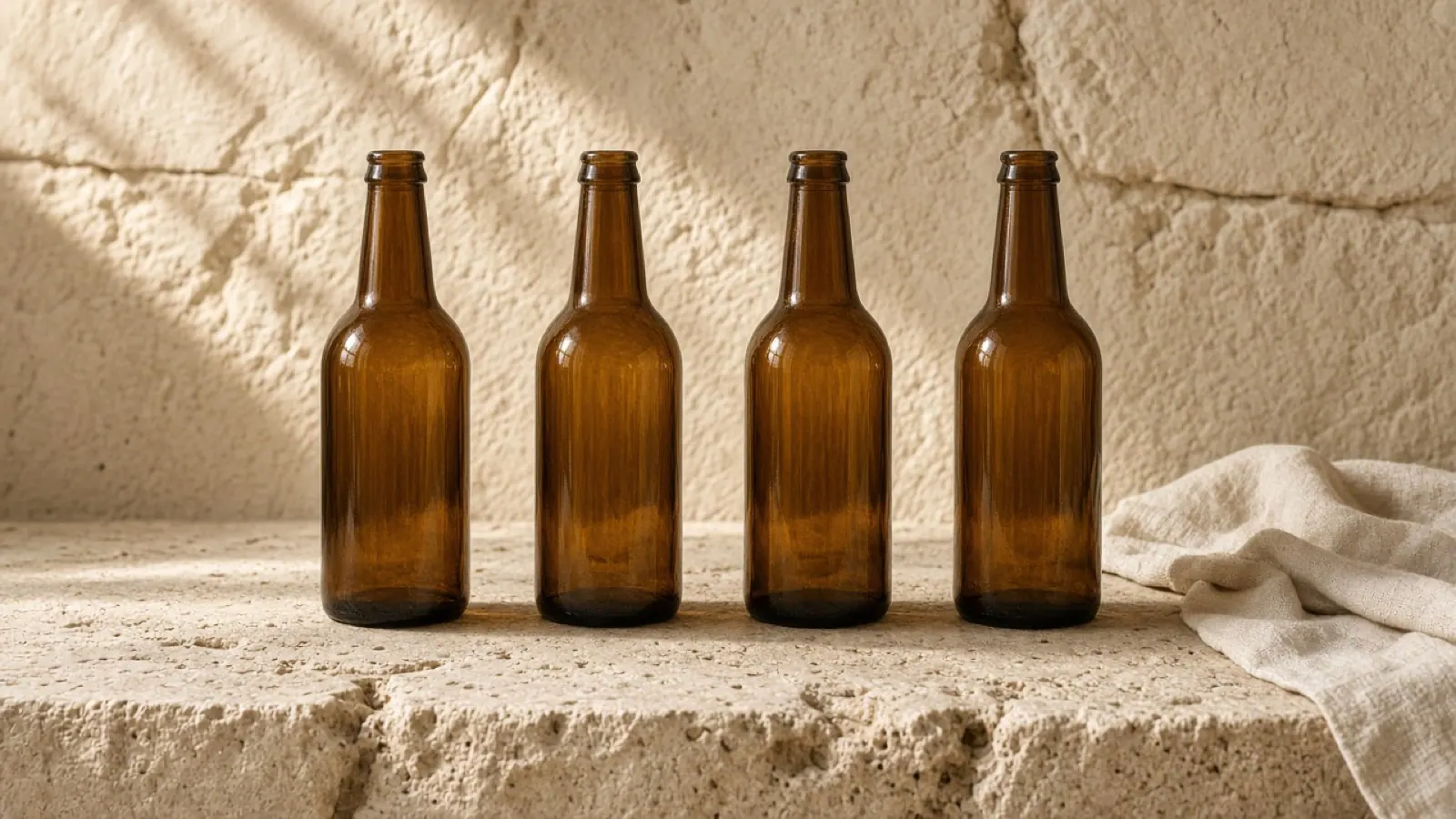
Four matching amber bottles on a limestone ledge03
03

Several references, one scene

One composition can hold resemblance for up to five people and fidelity for up to fourteen objects from reference stills. Say which file is the person, the product, or the material. Conflicting clothes or light across those files is a common reason the result drifts. Uploads live on Image to Image.

Open Image to Image
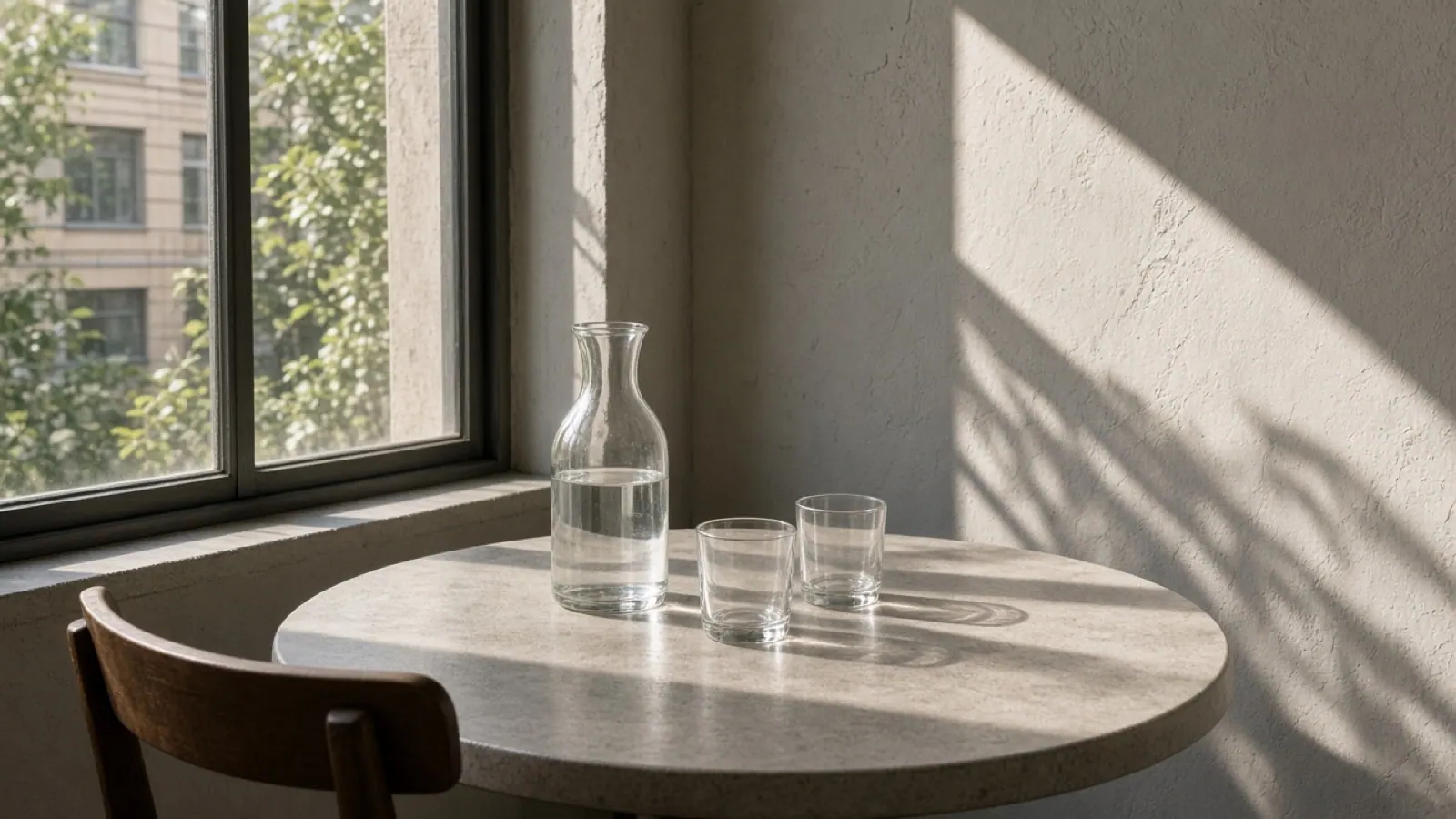
Daylight cafe table with a glass carafe and hard window light04
04

Camera, light, and a local change

A follow-up can shift camera height, focus, color, or light, including day and night, or change one region and leave the rest. Ask for a single change, then check shadows and anything you asked to keep, such as a face or a package.

Edit from a source
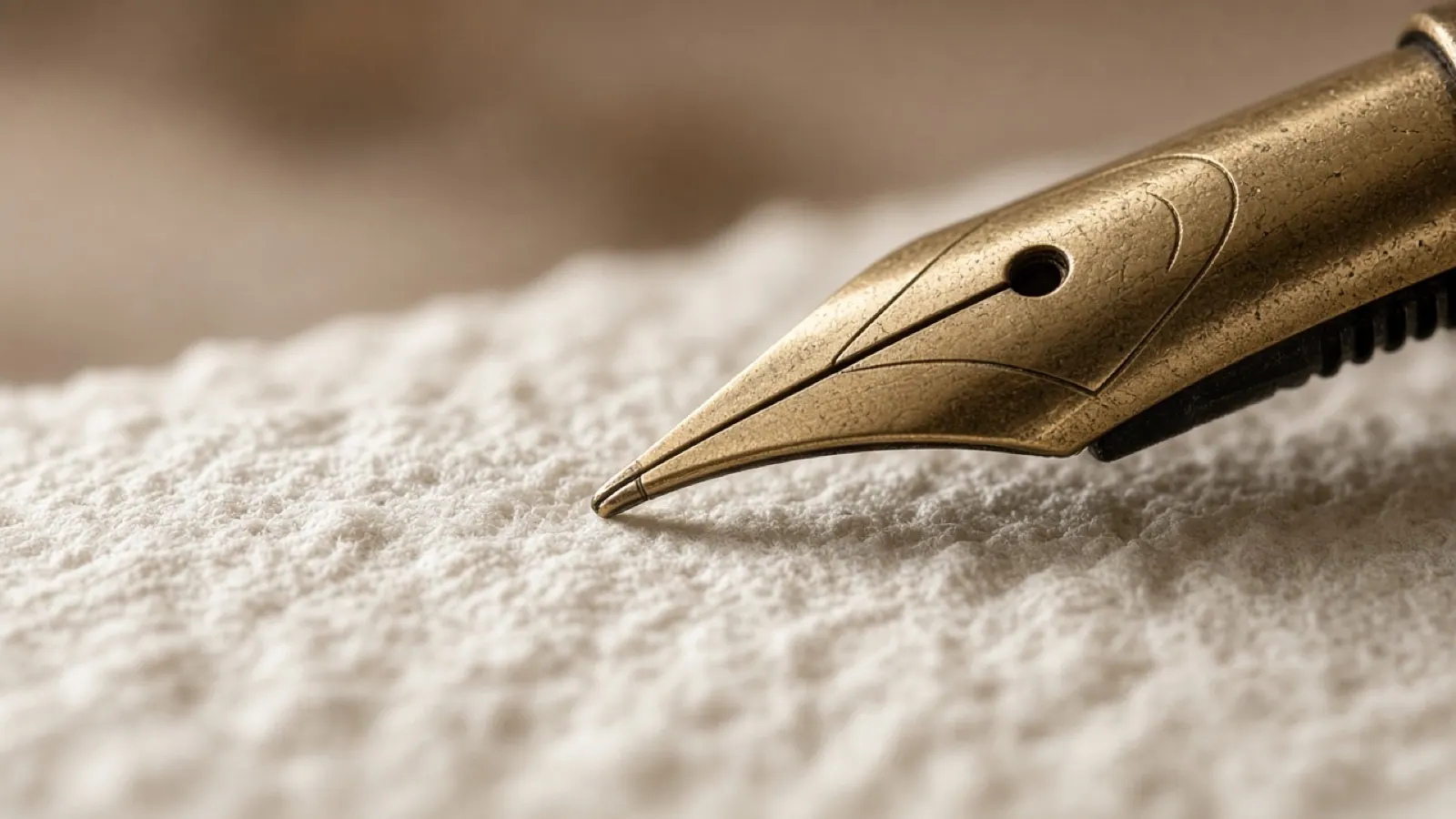
Macro of a brass pen nib on cotton paper05
05

1K, 2K, and 4K

The model supports 1K, 2K, and 4K images. Plan a ratio before writing a long prompt: 16:9, 9:16, 1:1, 4:3, 3:4, or Auto. The form does not combine square framing with 4K. Choose a size suited to the texture, type, and final placement you need.

Set the size

Prepare a Nano Banana Pro image

Plan your brief while Nano Banana Pro is coming soon. Choose an available model when you want to generate today.

01

Set the frame

Leave Nano Banana Pro selected. Choose 16:9, 9:16, 1:1, 4:3, 3:4, or Auto, then 1K, 2K, or 4K. Square and 4K cannot be combined here.

02

Write the prompt

Name the subject, the setting, any words that must appear, and the language of those words. For a later edit, write the change first and what must stay second.

03

Choose when to generate

Nano Banana Pro shows Coming soon. Keep your brief ready, or select an available image model, review the credit estimate, and sign in to generate. The preview stills are illustrative examples.

Prepare your prompt

Compare Nano Banana Pro with other image models

Match the still to the job. These are differences in the work, not a ranking.

CapabilityNano Banana ProNano Banana 2GPT Image 2.5GPT Image 2
Typical stillDiagrams, posters, referencesGrounded stills, short typeProduct stills, local editsPrompt stills, reference edits
Text to imagePrompt to a new stillPrompt to a new stillPrompt to a new stillPrompt to a new still
EditingReference editsReference editsLocal edits, subject keptReference image edits
In-image textPosters, labels, multilingualShort text, localized layoutsPosters, labels, short UIShort wording from the prompt
References5 people, 14 objectsMultiple reference stillsUp to 16 referencesReference image edits
Output1K, 2K, 4K1K, 2K, 4K1K, 2K, 4K1K, 2K, 4K

Explore more AI image models

Choose an image model for your next Veo 3 project.

Oak library table with an open book in afternoon light

GPT Image 2

Prompt stills and reference edits. This model opens on Text to Image.

Explore more AI tools

Start a still or develop a finished frame into motion.

Living-room chair with linen swatches and color chips

Image to Image

Upload a source when a person, product, or frame should guide the edit.

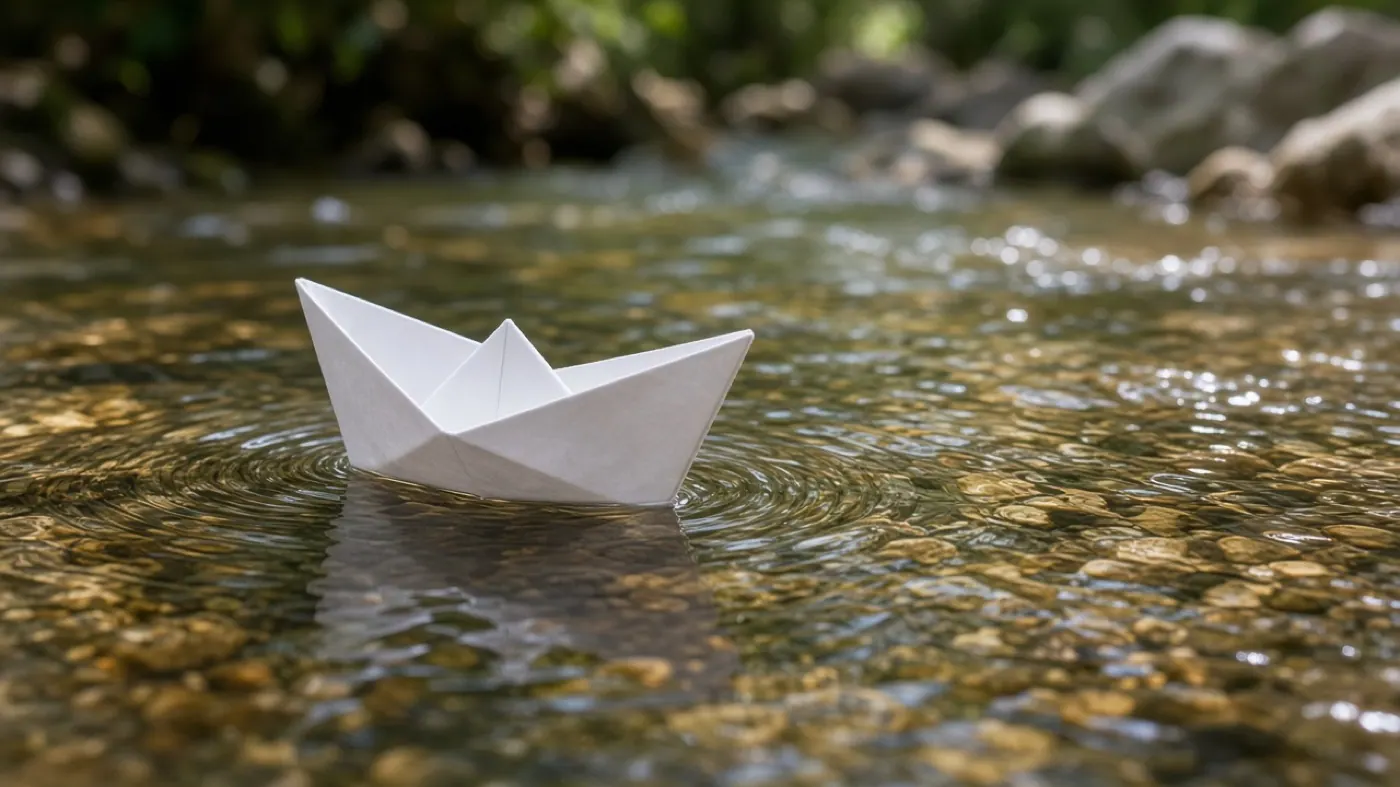
Paper boat moving through a shallow clear stream

Image to Video

Move a finished still into a clip when the next step is motion.

Frequently asked questions

What is Nano Banana Pro?

Nano Banana Pro is an image model for readable type, labeled diagrams, and scenes assembled from several references. It supports text prompts, source-image edits, and 1K, 2K, or 4K output. It is coming soon to Veo 3; the form lets you prepare your prompt and settings before generation becomes available.

What is Nano Banana Pro good at?

Use it for posters and mockups where the words are part of the picture, simple explainers, product scenes that need readable packaging, and group or object setups drawn from references. It makes stills. When the next step is motion, take the finished frame to Image to Video.

Can Nano Banana Pro edit an existing image?

The model can change lighting, crop, a local detail, or wording inside a source picture while you describe what should stay. Nano Banana Pro is coming soon to Veo 3. For an edit today, open Image to Image and choose an available image model.

Can Nano Banana Pro put text inside an image?

Yes. Short lines and longer passages can be drawn in the frame, in more than one language, and text already in a source image can be translated. Paste the exact words and check spelling at the size you will use. Prices and legal lines are safer set in a layout file.

How do I prepare a Nano Banana Pro image here?

Leave Nano Banana Pro selected while you write the subject, setting, and exact words. Choose a ratio and 1K, 2K, or 4K; the form does not offer square 4K. Coming soon means this model will not submit a generation or use credits. Select an available model if you want to create today.

Which modes does Nano Banana Pro support?

The model supports new stills from text and edits guided by source images. The form above prepares a text-to-image brief. Image to Image is the separate upload workflow. Nano Banana Pro is coming soon in both; the available models let you create and edit images today.

How should I prepare a prompt with brand text?

Separate the visual brief from the exact words. Describe the subject, viewpoint, light, and space reserved for the headline, then quote the final text and name its language. Use a short first version so you can judge hierarchy and spacing. Keep prices and legal wording in your layout file, where you can verify every character before publication.

How should I organize several reference images?

Choose clear pictures with one purpose each: the person, product, material, or setting. Give the files useful names and explain which details belong together. Similar light and camera angles make your intended composition easier to communicate. Avoid several contradictory views of the same item. Keep those sources ready for a future Nano Banana Pro edit, or use an available model in Image to Image now.

What do the preview examples show?

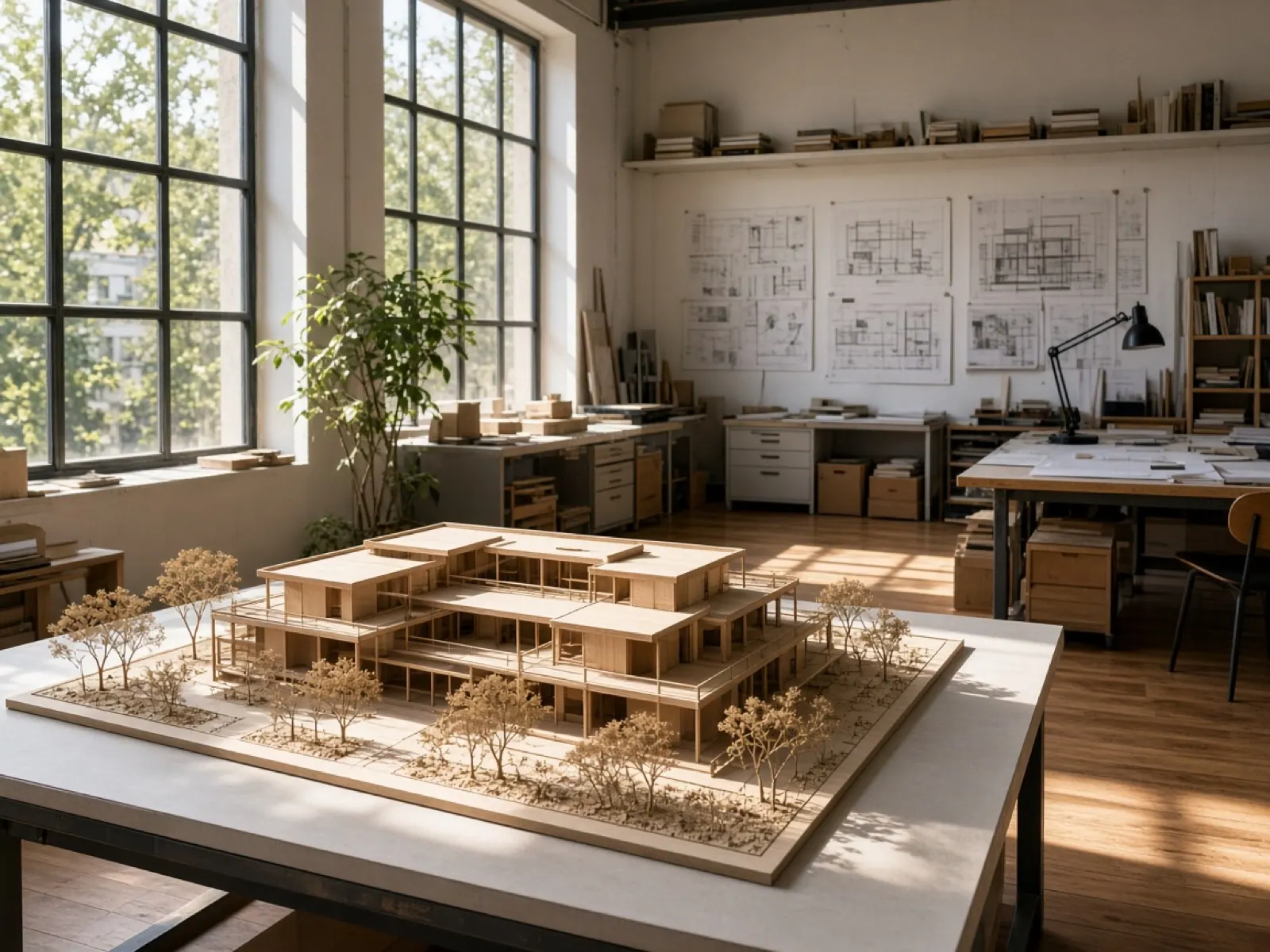
The kettle, compass, bowls, and architectural model illustrate possible subjects, materials, lighting, and framing. They are concept examples, not completed Nano Banana Pro generations. Use them to decide whether you need a product still, a scene, or a close detail. Your own result will appear after you generate with an available model; compare it against the brief rather than assuming it will match an example.

Plan your next image in Veo 3

Prepare your Nano Banana Pro prompt, ratio, and resolution while the model is coming soon. To create today, choose an available image model in the form above or open Image to Image with a source picture.

Sunlit architecture studio with a timber building model