When Fast Beats Lite
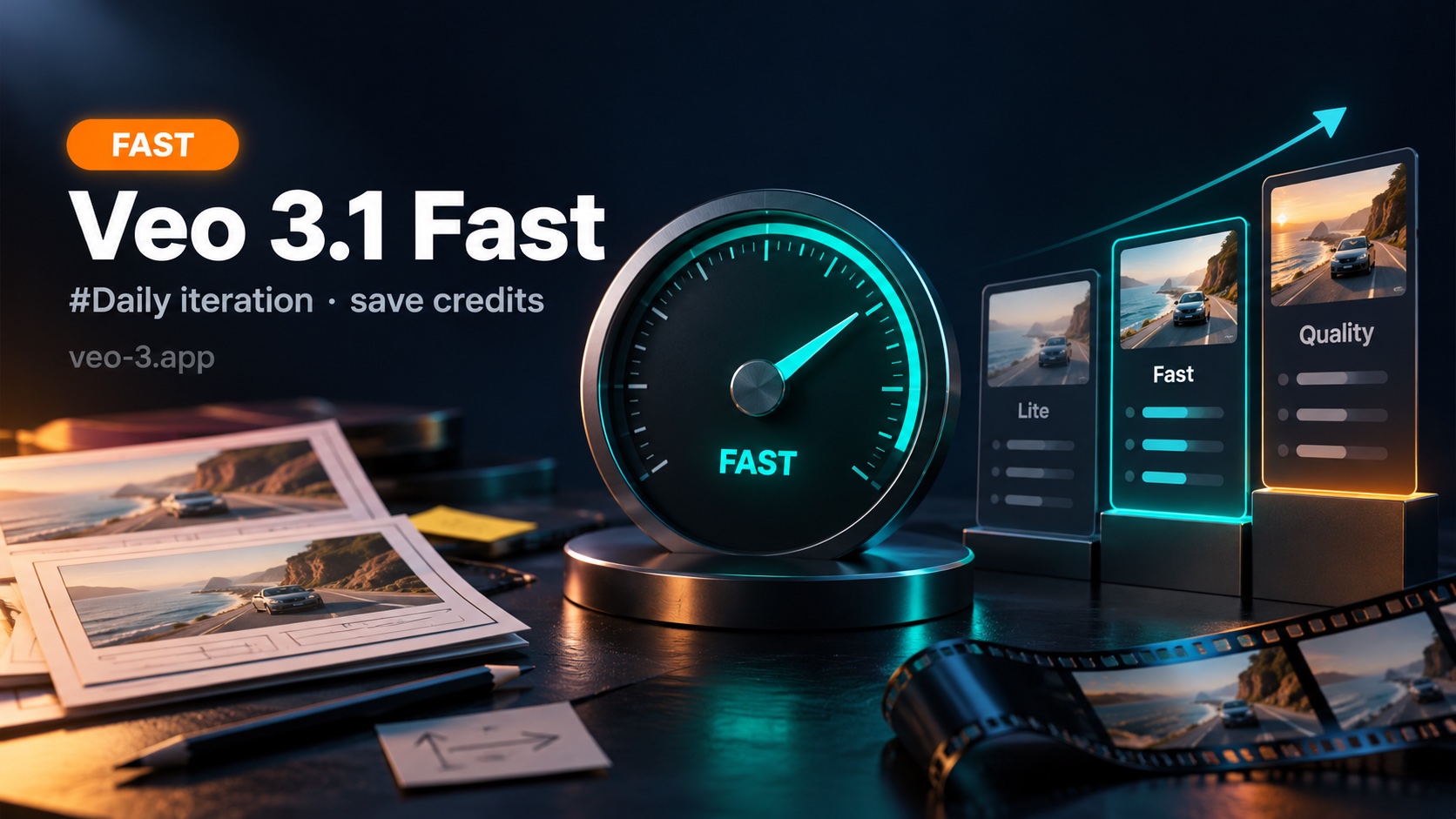
Quick take: Treat Veo 3.1 Fast as your weekday workhorse—enough fidelity to judge motion and audio, cheap enough to compare two or three controlled variants before you spend Quality. Open the AI video generator, confirm Fast is selected, read the on-screen estimate every submit, and keep resolution modest until a variant wins. Live per-task rows and plan sizes sit on pricing—illustrative blog figures are planning aids only.
People searching veo 3.1 fast rarely want another full three-tier essay. They already know Lite for soft briefs and Quality for locked finals. What they need is a sharper daily habit: When does Fast beat Lite, how does Fast sit next to Quality here, and what does a sustainable Fast workflow look like without burning the pack?
This page stays Fast-focused—daily iteration, mid-funnel A/B, and credit hygiene. Lite-centered drafts: Veo 3.1 Lite. Generator framing: Google Veo 3 video generator. Prompting across tiers: How to Make AI Videos with Veo 3.
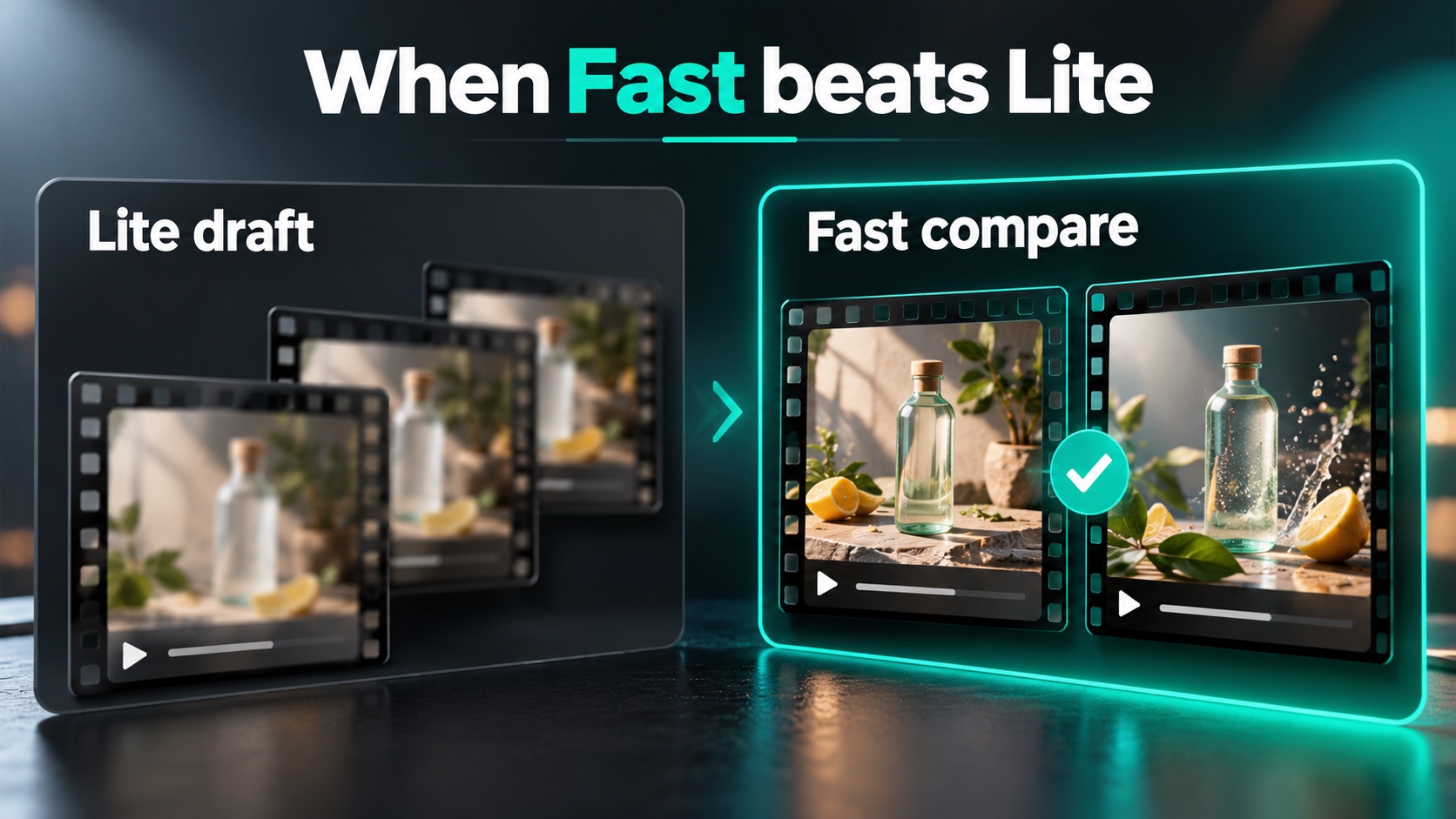
Veo 3.1 Fast wins when the brief is mostly right—subject, framing, and a first pass already taught you something—and you need informative comparisons, not more cheap exploration.
Fast wins when…
| Signal | Why Fast fits |
|---|---|
| Lite already produced a usable direction | You are refining, not discovering |
| Stakeholders need A/B, not “anything that moves” | Mid-funnel reviews need enough fidelity to judge motion |
| Image-to-video with a locked still | Motion options should be quick; keep one variable at a time (image-to-video habits) |
| Reference-image mode (up to three) while polishing wardrobe or logo | Lite proved identity; Fast compares dressing choices |
| Calendar pressure with a clear brief | Faster iteration loop than Quality-priced misses |
Stay on Lite when…
| Signal | Why Fast is early |
|---|---|
| You still do not know the shot | Volume on Lite teaches faster |
| Most takes will be deleted | Guilt-free discard is Lite’s job |
| Teammate onboarding | Practice should not feel like a budget event |
Fast is not “Lite with hope”
Opening the AI video generator and leaving the previous model selected wastes more balance than a slightly longer prompt. Confirm the model control shows Fast before every submit. Accidental Quality clicks on a draft brief burn the pack; accidental Lite on a stakeholder A/B wastes review time.
A practical rule: if the next answer is still “I don’t know yet,” stay on Lite. If the next answer is “which of these two controlled variants,” move to Fast. That is the whole Lite→Fast gate—no need to rehash a full three-way matrix here.
Copy the winning Lite prompt. Keep subject, lighting, and audio cues identical.
Change ONLY camera path: "locked tripod medium shot" vs "slow handheld follow."
720p. Short clip. Read the estimate before submit.
Run both on Fast, pick one axis winner, then decide whether Quality is earned.
Fast vs Quality (On-Site Tiers)
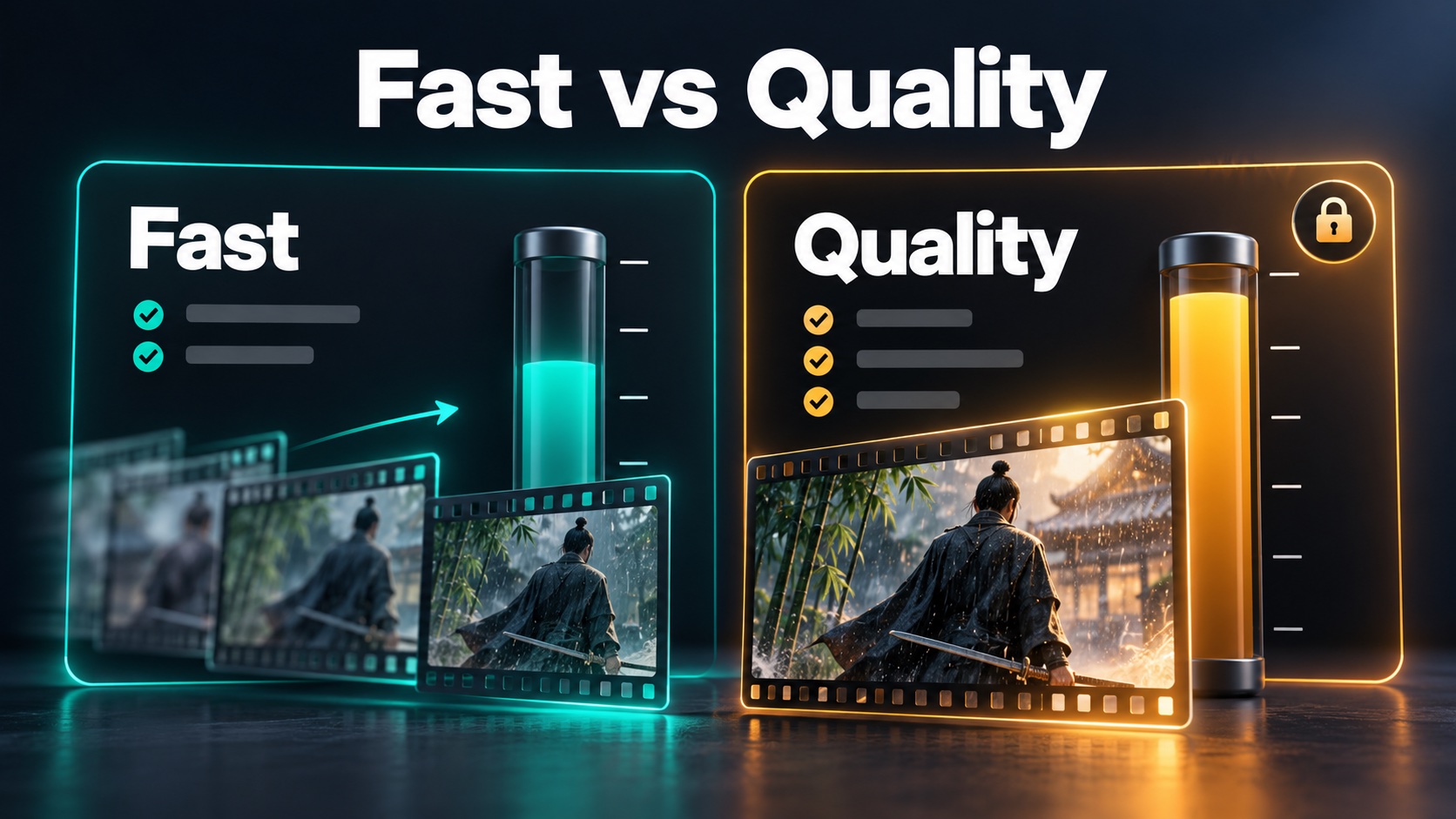
On veo-3.app, Fast and Quality sit in the same generator with the same prompt and image workflows—but they spend differently and fit different moments.
Illustrative credit bands (confirm live)
Figures below mirror Pricing notes from mid–late October planning sessions at 720p. Always treat the on-screen estimate in the generator and live pricing as the source of truth—rates can change, and reference media or settings can move the charge.
| Model | ~720p credits (illustrative) | Daily role |
|---|---|---|
| Veo 3.1 Lite | ~5 | Soft briefs, discard-heavy learning |
| Veo 3.1 Fast | ~10 | Controlled variants, mid-funnel A/B |
| Veo 3.1 Quality | ~75 | Locked finals after cheaper passes |
At the same resolution, Quality sits roughly an order of magnitude above Lite; Fast sits between them for drafting and comparison. Higher resolutions (1080p / 4K when listed) raise every tier—draft motion at 720p, raise resolution only after a variant wins.
What Fast offers for iteration
- Lower per-miss cost so two or three variants stay affordable
- Reference-image mode (up to three) on Lite/Fast; Quality does not offer that multi-reference mode (site FAQ)—prove continuity on Fast, then lock the look for Quality
- Stakeholder-speed loops when calendar time matters more than final texture
What Quality is for (short)
Choose Quality when a Fast take already looks shippable and you need cleaner texture or motion on a large display. One deliberate Quality take beats three speculative ones—check the estimate (especially 4K) on pricing first.
Fast vs Quality decision (daily)
| Your job today | Prefer | Why |
|---|---|---|
| Compare two hooks on a locked product still | Fast | Informative without Quality pricing |
| Stakeholder “pick A or B” before lunch | Fast | Enough fidelity to judge motion |
| Campaign hero after Fast locked framing | Quality | Delivery polish, not discovery |
| Soft pixels, story already locked | Upscale path—not another Fast story rewrite | See AI video upscaler |
| Mouth is the remaining sell on a talking close-up | Lip-sync decision—not endless Fast retries | See AI lip sync |
Credits ≠ generations ≠ usable clips. A miss still spends. Plan for a keeper ratio, not “credits ÷ 1.” For plan allowance and free-entry tips, open pricing and free credits.
Daily Fast Workflow
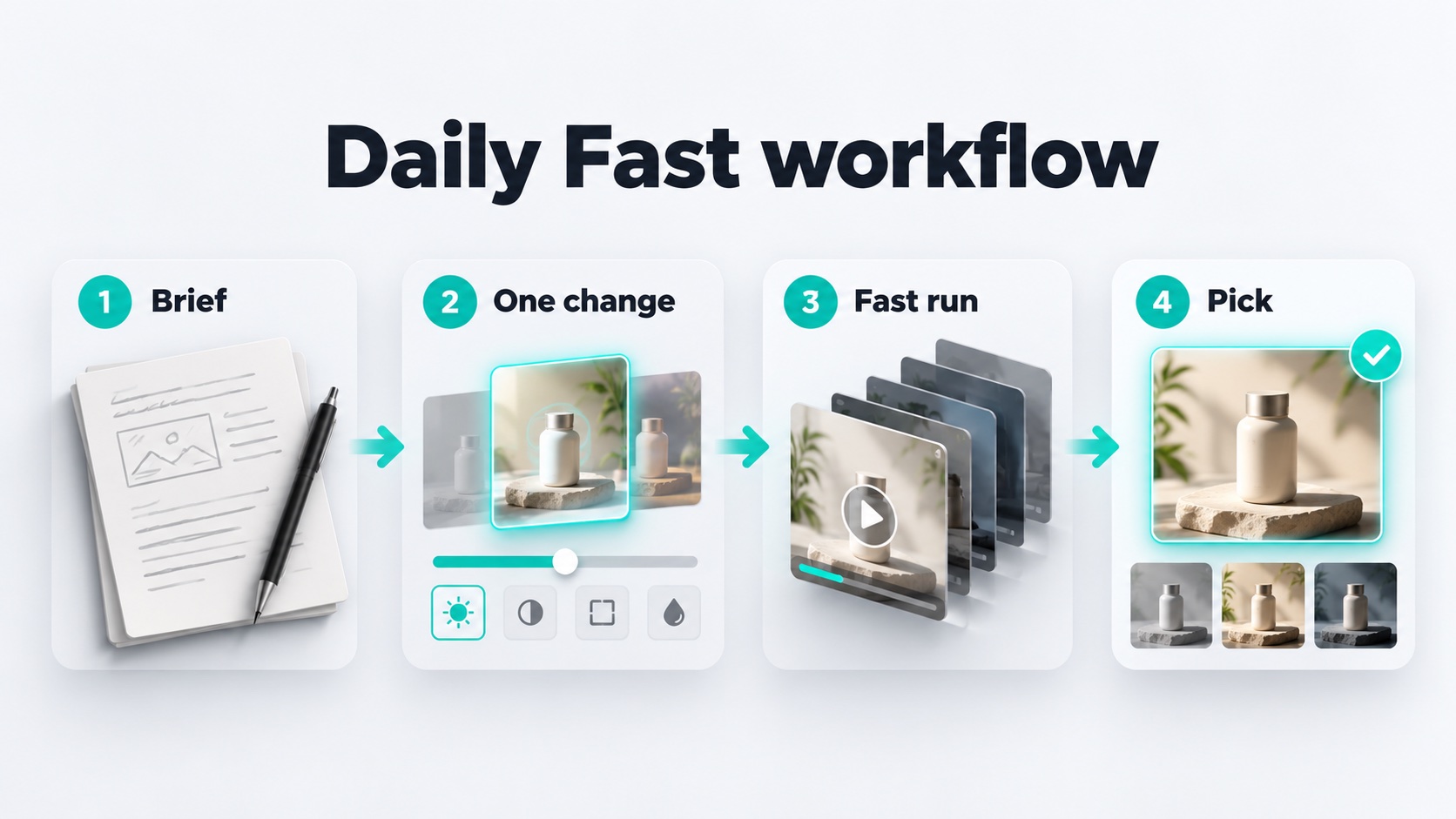
A sustainable Veo 3.1 Fast day is boring on purpose: short samples, one variable, read the quote, keep only what teaches the next decision.
Morning setup (5 minutes)
- Open the AI video generator.
- Confirm Veo 3.1 Fast in the model control.
- Start at 720p unless a stakeholder review already requires clearer detail.
- Glance at pricing if your pack is low—know the allowance before a burst of variants.
Midday loop (repeat)
- Paste the brief that already passed Lite (or a locked still for image-to-video).
- Change one axis only—camera path, ending beat, lighting temperature, or a single dialogue line.
- Read the on-screen estimate; submit only if the spend matches the learning value.
- Preview at 100%. Keep or discard. Do not “hope the next miss fixes five problems.”
- After two or three variants, stop. Promote the winner or send the A/B set to review—do not burn Fast credits polishing delivery that belongs on Quality.
Copy-ready Fast prompts
A — Product A/B (camera only)
Same ceramic pour-over on travertine, soft window light camera-left, quiet kitchen ambience.
Variant A: locked tripod medium shot, slow push-in. Variant B run separately: gentle handheld follow.
Keep logo readable. 16:9. 720p. One motion change only.
B — Image-to-video motion options
Animate this approved packshot: keep product, logo, and wardrobe identical.
Add a soft light shift and gentle ease only. No new props. No morphing hands.
Short clip for stakeholder pick.
C — Dialogue hook compare
Close-up host, soft key, neutral backdrop. They say: "[HOOK_A]" — natural mouth motion, subtle nod.
Keep framing identical across hooks; swap only the spoken line between Fast runs.
End-of-day credit hygiene
- Count usable clips, not clicks; archive winners in My Creations with a one-line note.
- If the call is clear, schedule Quality next—do not force same-day Quality on an unlocked brief.
- If balance is thin and the brief is soft again, drop back to Lite—not “one more Fast at 4K hope.”
FAQ: Veo 3.1 Fast daily use
Is Fast a separate site?
No—select it inside the AI video generator.
How many credits does Fast use?
Illustrative mid–late October notes: Fast ~10 @720p (Lite ~5, Quality ~75). Confirm live on pricing and the generator estimate.
When leave Fast for Quality?
When framing, action, and audio already read like the shipped shot—and you need delivery polish.
Lite / prompting companions?
Veo 3.1 Lite · How to Make AI Videos with Veo 3 · pricing.
Ready for a Fast weekday?
Open the AI video generator, confirm Veo 3.1 Fast, run short controlled variants, read every estimate, and graduate to Quality only when the brief earns it. Match your pack to the workflow on pricing—not to a single heroic generation.
Related reading
- Veo 3.1 Lite: Drafts, Credits, and When Lite Wins — soft-brief draft stage before Fast.
- How to Make AI Videos with Veo 3 — prompting habits across tiers.
- Google Veo 3 Video Generator — capability / decision framing for the generator.