What Veo 3.1 Lite Is For (Draft Stage)
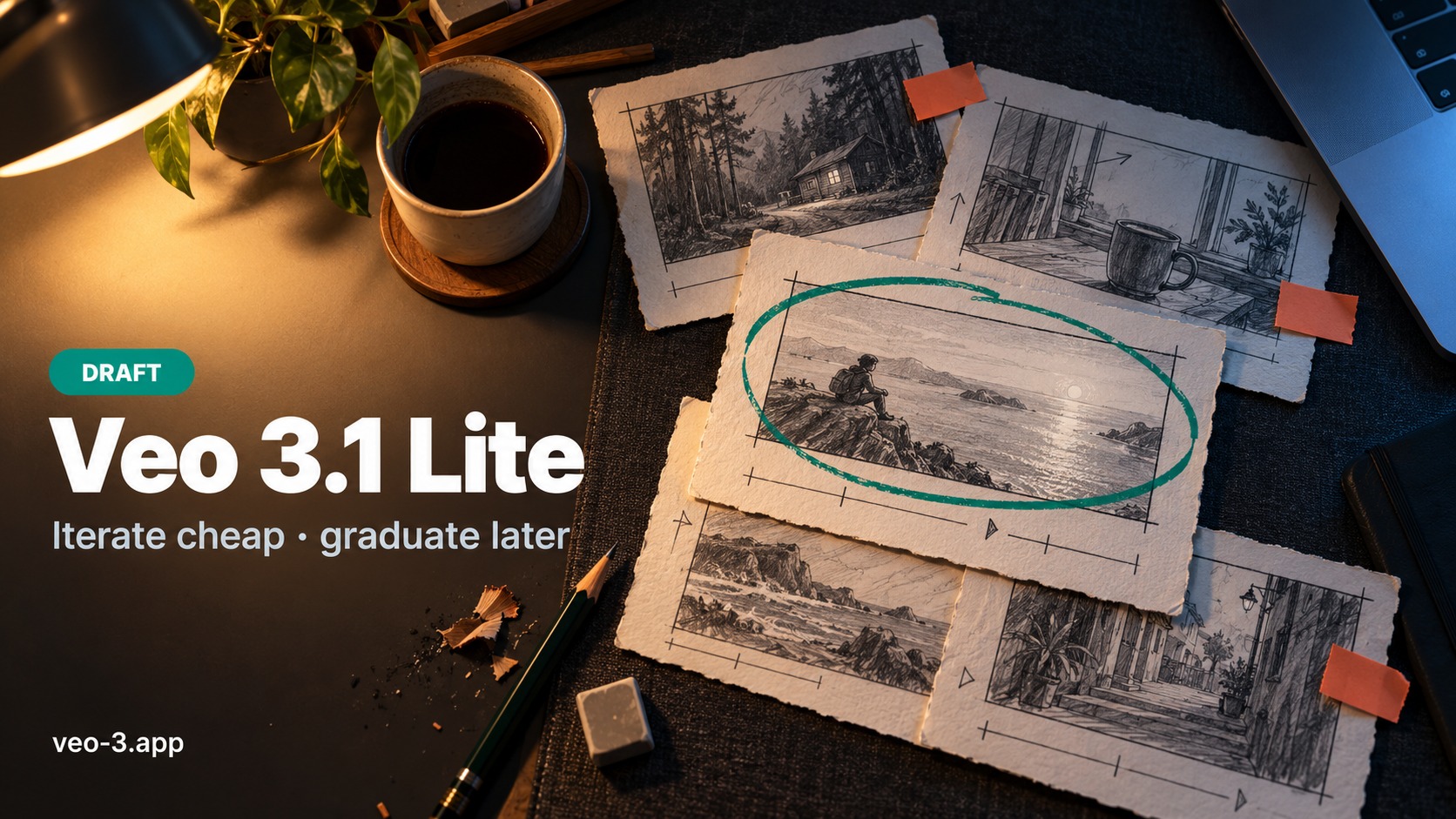
Quick take: Use Veo 3.1 Lite when the brief is still soft and you need volume without guilt. Open the AI video generator, select Lite among the listed models, run short drafts, and read the on-screen estimate every time. Lite is a draft stage, not a permanent “always cheapest = always best” switch. Live per-task rows and plan sizes sit on pricing—do not memorize blog numbers. Starter balance tips sit on free credits.
People searching veo 3.1 lite are rarely looking for a three-way essay that treats Lite, Fast, and Quality as equal co-stars. They want a sharper decision: When does Lite win, how do credits behave on drafts, and when should I graduate? This page stays Lite-focused—a vs/decision guide for the draft tier—while pointing elsewhere for full model comparisons and prompting depth.
If you already love the take and only need cleaner pixels, that is not a Lite question anymore. Promote deliberately—or finish with the right tool for the remaining gap.
Think of Veo 3.1 Lite as the stage where answers are still “I don’t know yet.” On veo-3.app, Lite sits in the same AI video generator as the other listed Veo 3.1 models. Same prompt and image workflows; different credit weight and different moment in the project.
Good fits for Lite
- First passes on a new product, character, location, or camera idea
- Checking whether a dialogue line, ambience cue, or move belongs in the prompt at all
- Teaching a teammate the generator with low-cost practice
- Proving that a start still (Image to Video) actually steers identity before you spend harder
- High-volume social experiments where most takes will be discarded
Weak fits for Lite
- Hero finals you already approved on a cheaper pass (graduate instead of “one more Lite at 4K hope”)
- Stakeholder reviews that need the cleanest texture on a large display
- Any job where you are optimizing delivery polish more than learning the brief
Lite vs “just open the generator”
Opening the generator is not the same as choosing Lite. Confirm the model control shows Lite before you submit. Accidental tier switches waste more balance than a slightly longer prompt.
Keep Text vs Image mode selection on the companion capability page once live, and keep step-by-step prompting in How to Make AI Videos with Veo 3. Here the only question is: is this still a draft?
Credits Reality on Lite: Generations Are Not Usable Clips
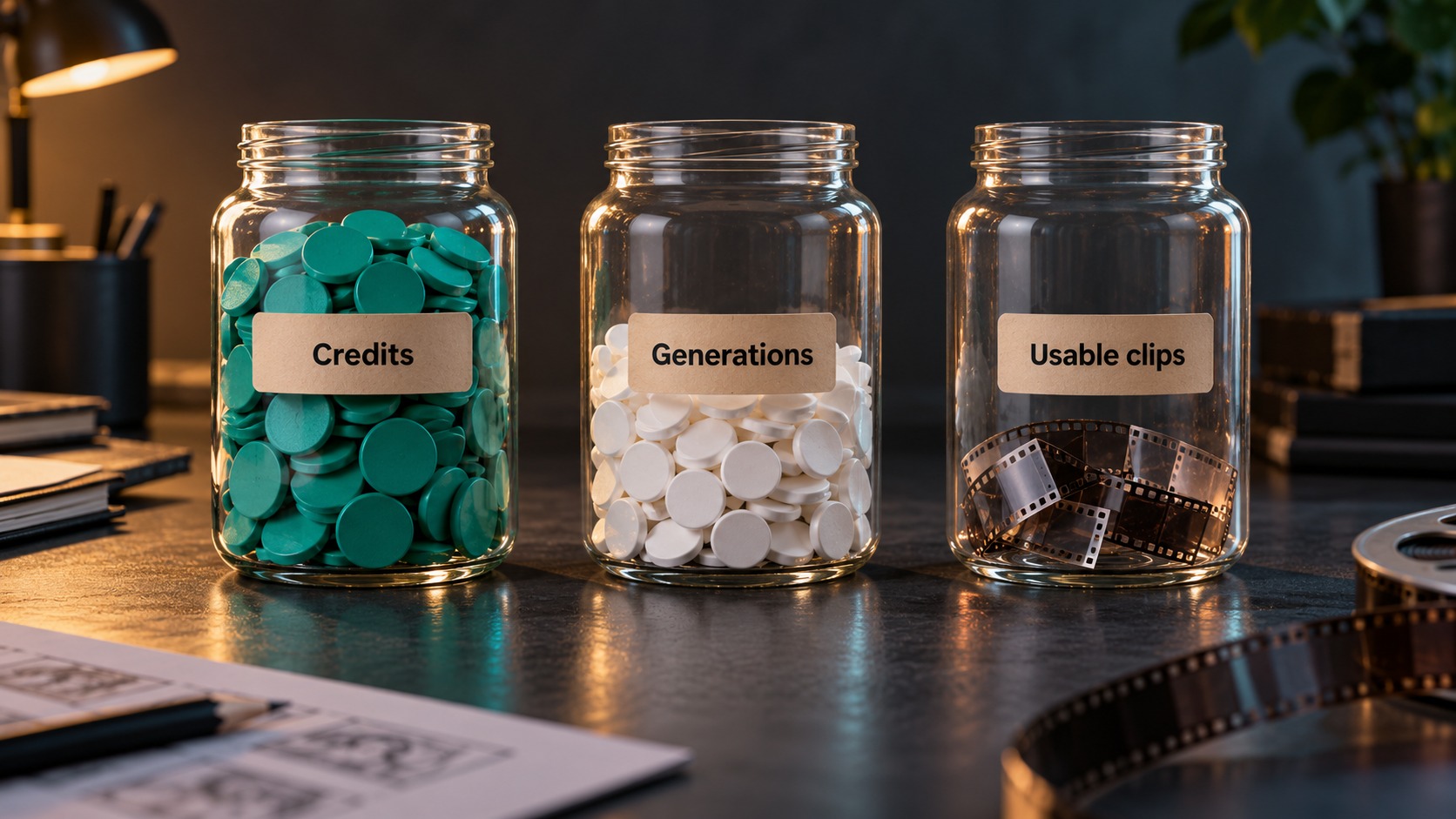
Search language mixes three different meters. Separate them before you judge whether Lite is “cheap enough.”
| Meter | Meaning | Lite habit |
|---|---|---|
| Credits | Balance deducted per task (model + resolution + settings) | Read the estimate in the generator; confirm tables on pricing |
| Generations | How many times you clicked submit | A miss still spends; retries are not free “practice tokens” |
| Usable clips | Takes you would actually keep or show | Plan for a ratio (often several generations per keeper while learning) |
What Lite does not change
- Lite does not make every generation a keeper.
- Lite does not replace reading the live quote.
- Lite does not equal commercial permission by itself—watermark or preview markings (when present) are not the same as license/commercial terms. Check the product terms and pricing context; do not assume “I can see the clip ⇒ I can run the ad.”
- Lite does not invent a separate
/lite-onlyproduct URL—stay on the generator.
Draft economics without inventing rates
Blog posts go stale the moment a table updates. For current credits per task by model and resolution, open the live pricing reference exchange / calculator. For the charge on this prompt, trust the generator estimate—reference media and settings can move the number.
A practical Lite budget story:
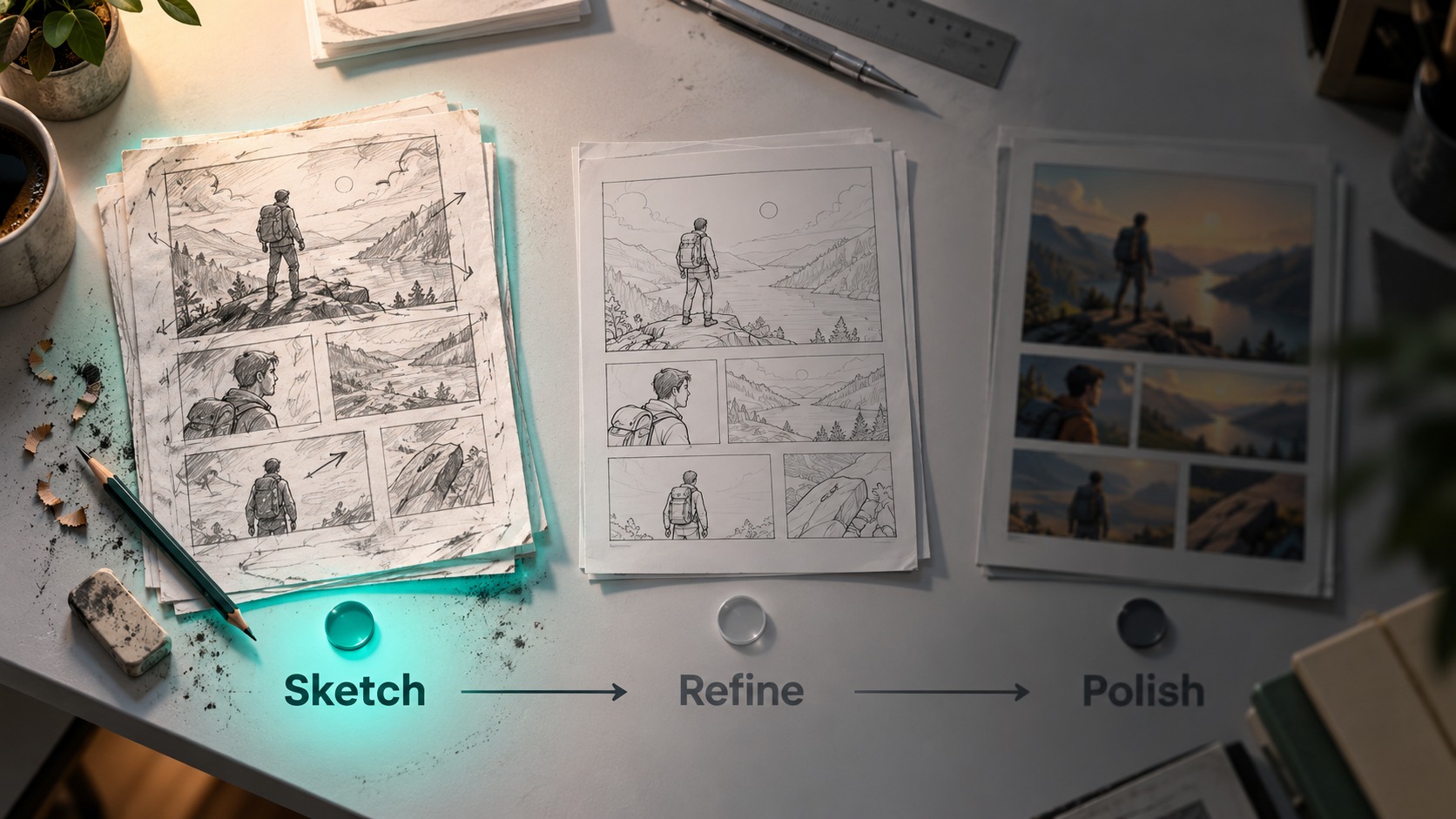
- Short sample on Lite → preview at 100%.
- Change one axis (camera, lighting, or line)—not five.
- Keep only the take that teaches the brief.
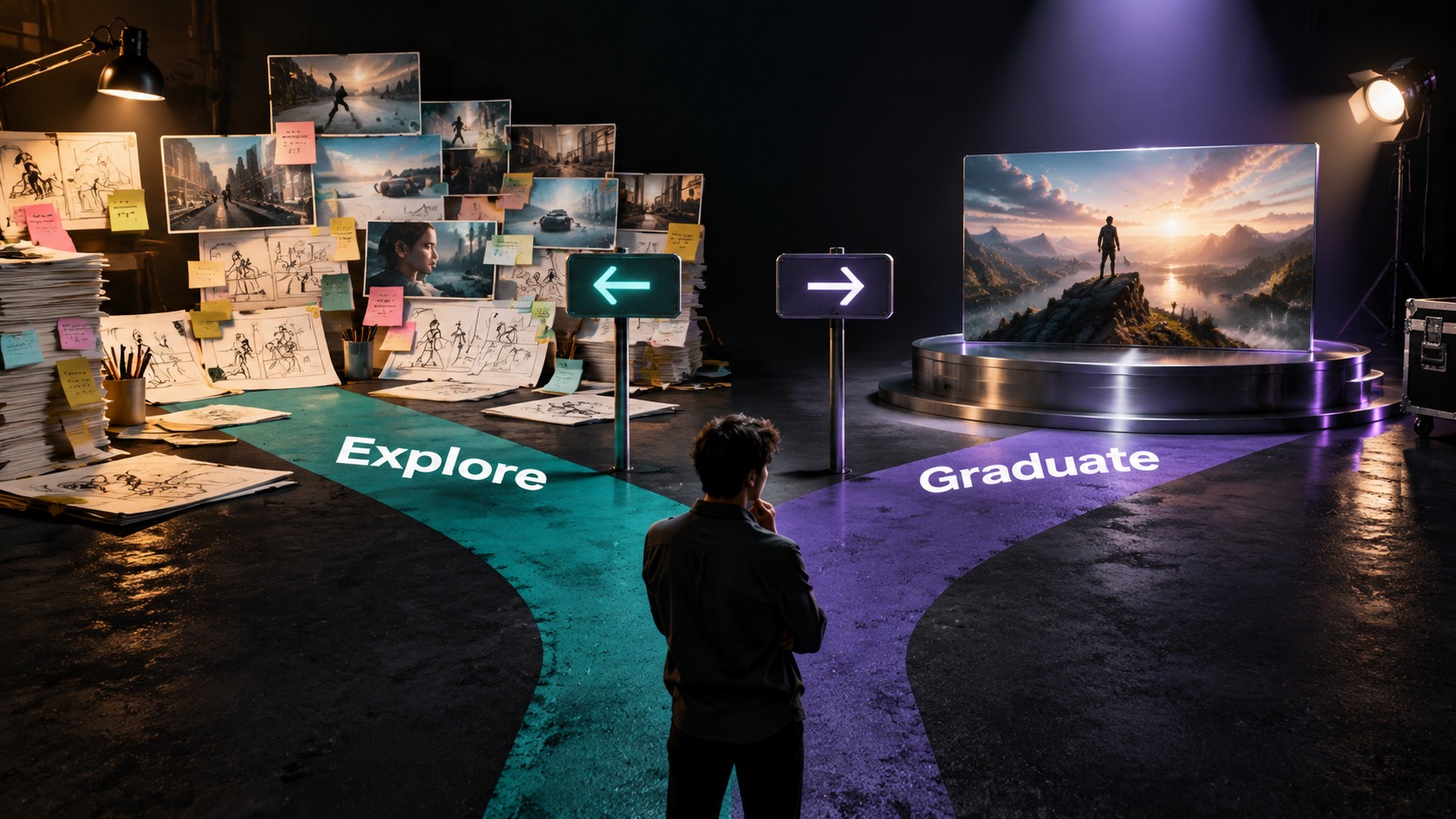
- Graduate when composition already reads; do not “hope Lite forever.”
If balance is low while you are still learning, compare plan allowance on pricing or start from free credits.
When Lite Wins (and When to Graduate)
Lite wins when…
| Signal | Why Lite fits |
|---|---|
| Brief is soft | Volume teaches faster than one expensive miss |
| You are proving a still | Continuity checks should be cheap |
| Team onboarding | Practice should not feel like a budget event |
| A/B on early hooks | Compare lines or moves before stakeholders care about polish |
| Most takes will be deleted | Guilt-free discard is the feature |
Graduate when…
| Signal | Prefer next |
|---|---|
| Framing and action already look like the shot | A higher listed tier for the final—or stop regenerating |
| Review needs clearer detail on a locked take | Higher resolution / higher tier per live estimate—or an AI video upscaler if story is done and sharpness is the only gap |
| Mouth is the remaining sell on a talking close-up | AI lip sync decision—not endless Lite retries |
| You are comparing mid-funnel variants with stakeholders | A mid tier listed in the generator when Lite fidelity is not enough to judge motion |
Decision matrix (Lite-centered)
| Your job | Stay on Lite? | Next move |
|---|---|---|
| Explore a new beat from text | Yes | Short samples; one variable at a time |
| Animate an approved packshot | Yes first | Prove still → then graduate the winner |
| Deliver a campaign hero tomorrow | No (unless last-minute draft only) | Promote the brief that already passed |
| Soft mouth on a face hero | Maybe once | Then lip-sync decision, not Lite loops |
| Soft pixels, story locked | No | Upscale / export path—not another Lite story rewrite |
Copy-ready Lite draft prompts
A — Product learn pass
A ceramic pour-over dripper on a travertine slab, slow push-in,
soft window light from camera left, quiet kitchen ambience, no music.
Keep the product centered. 16:9. Draft look is fine—prioritize clear motion.
B — Still continuity check
Animate this start frame: keep logo, wardrobe, and framing identical.
Add a gentle ease and soft light shift only. No new props. No morphing hands.
C — Dialogue probe (expect discard)
Close-up host, soft key, neutral backdrop. They say: "This line is only a draft."
Natural mouth motion, subtle nod. Keep it short for review.
Run on Lite, read the estimate, discard freely, promote only the brief that already works.
FAQ: Veo 3.1 Lite Decisions
Is Veo 3.1 Lite a separate website?
No. Select Lite inside the AI video generator on veo-3.app. There is no invented /veo-3-1-lite product app path to bookmark.
Does Lite always cost the least?
Lite is the draft-oriented listed tier, but the live estimate for your resolution and settings is the source of truth. Confirm rows on pricing.
How many usable clips will my plan buy on Lite?
Credits ÷ real average spend per kept clip—not credits ÷ 1. Retries count. Use the pricing calculator as a planning aid, then believe the generator quote.
When should I stop using Lite?
When the creative call is clear and you are polishing delivery—not still learning the brief.
Where do full three-tier essays and prompting live?
Prompting: How to Make AI Videos with Veo 3. Plans and tables: pricing. This page stays on when Lite wins.
Ready to Draft on Lite?
Open the AI video generator, confirm Veo 3.1 Lite, run a short sample, read the estimate, and keep only the take that teaches the brief. Compare allowance on pricing, or start from free credits / the homepage Free entry while you are still proving the first beat.
Related reading
- AI Video Upscaler Guide: Sharpen Generated Clips Before Export — when clarity is the gap after the draft is right.
- AI Lip Sync for Talking Clips: When Mouth Motion Matters — when mouth motion—not another Lite retry—is the job.
- How to Make AI Videos with Veo 3: Prompts, Models, and Revisions — prompting habits across tiers once Lite taught the brief.