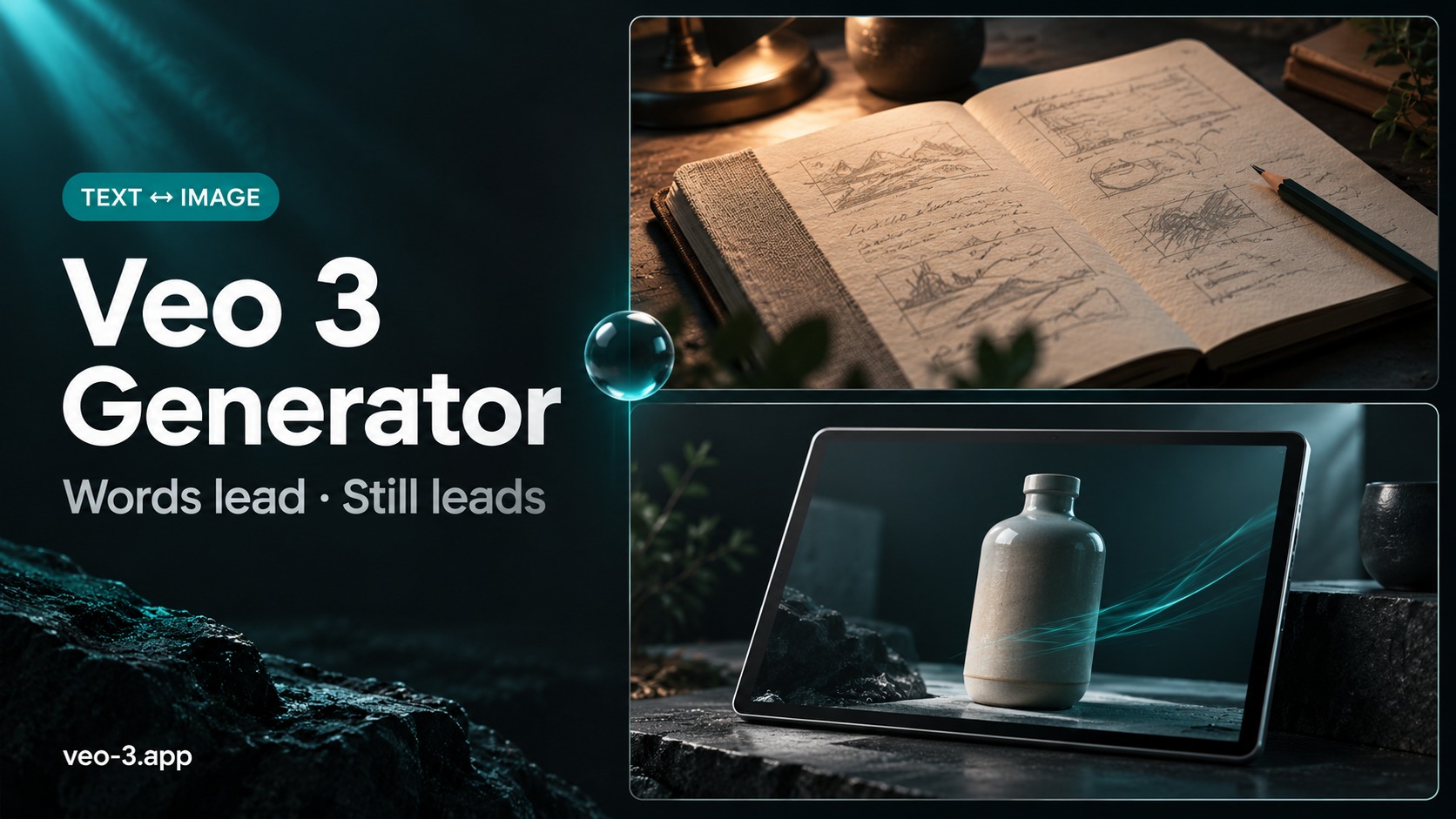
Text-to-Video vs Image-to-Video: Pick the Job First
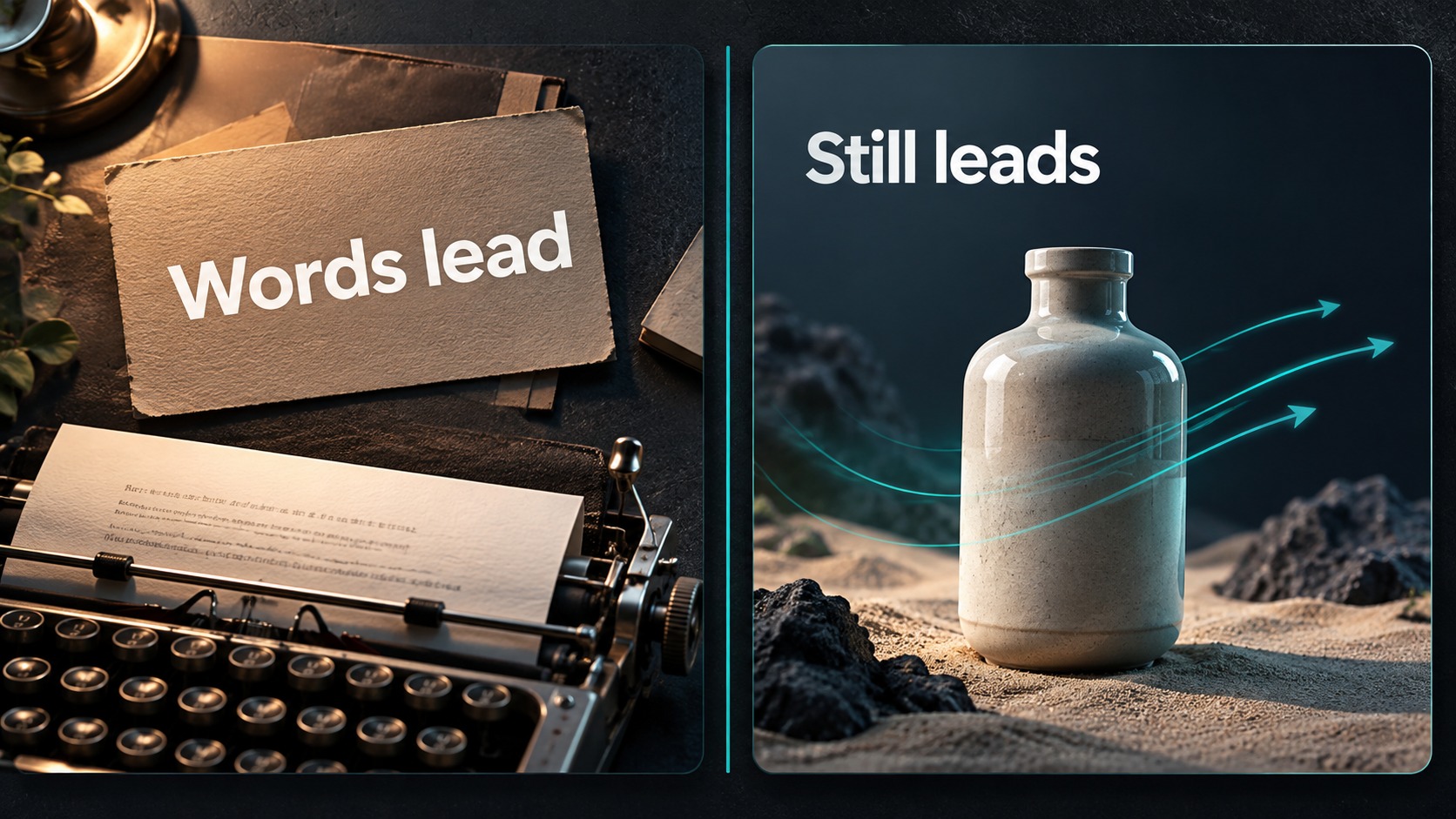
Quick take: Treat a Google Veo 3 video generator as a mode decision, not a magic button. Choose Text to Video when the story still lives in words; choose Image to Video when a locked still must lead motion. On veo-3.app both jobs sit in the same AI video generator—read the on-screen credit estimate, preview a short sample, then spend. Live plan sizes stay on pricing; starter balance notes sit on free credits.
Searchers typing google veo 3 video generator usually want one clear answer: Can I make a clip from a prompt, from a still, or both—and which path should I open first? This page is a capability and selection guide, not a generic “click here then click there” howto shell. It stays on veo-3.app: open the generator, pick the job that matches your asset, keep prompting craft in the sister howto, and never invent product URLs that do not exist.
If framing, character, or product identity is still soft, fix that before you chase longer clips or higher tiers. A confident generator choice on a weak brief only burns balance faster.
A mature Google Veo 3 video generator experience separates jobs before it sells buttons. The two default paths on this site are:
| Job | Open when | Asset you bring | Risk if you pick wrong |
|---|---|---|---|
| Text to Video | The beat still lives in language—action, camera, lighting, audio cues | A written brief (and optional style notes) | Animating a random still you do not love yet |
| Image to Video | Composition, wardrobe, logo, or face is already locked in a frame | A strong start still (optional end frame when the UI offers it) | Rewriting the whole look with text while ignoring the still |
When Text to Video wins
- You are exploring a new product, location, or character and have no hero still yet.
- Camera language matters more than a fixed plate (push-in, orbit, handheld follow).
- Dialogue or ambience belongs inside the beat and you want to test lines cheaply.
- Stakeholders still argue about the story—words are cheaper to revise than regenerating a bad plate.
Use the dedicated Text to Video surface when that is the mental model, or pick Text to Video inside the shared AI video generator. Same product family; same estimate habit.
When Image to Video wins
- Brand, packaging, or face continuity is non-negotiable.
- You already shot or generated a still you would ship as a poster.
- You need motion on that plate—subtle life, camera ease, light shift—not a new composition.
- You are comparing two motion ideas on the same start frame.
Image to Video on veo-3.app lives on the generator (and related image-led flows such as How to Turn an Image into a Video with AI for the still-first habit). Do not invent a fake /image-to-video-only-studio path—bookmark real landings only.
One rule before either mode
Change one variable after the first preview: mode or prompt axis or resolution tier habit—not all three. Mode thrashing is the fastest way to confuse “bad brief” with “bad model.”
What a Google Veo 3 Video Generator Must Prove
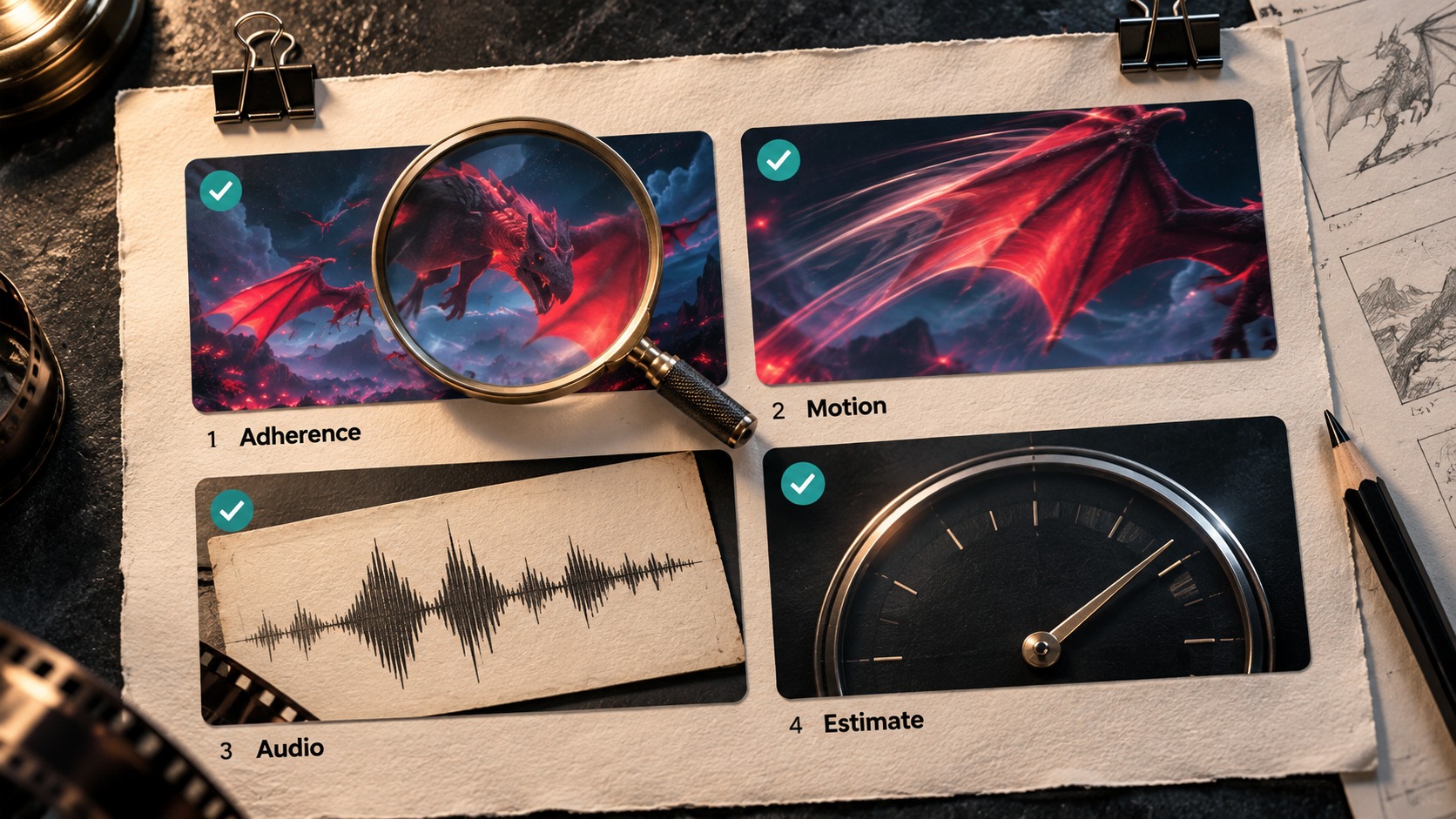
“Works” is not a vibe. Before you treat the Google Veo 3 video generator as production-ready for a job, demand four proofs on a short sample:
1) Prompt / plate adherence
- Text path: subject, action, and camera note match what you wrote—not a random adjacent scene.
- Image path: identity, wardrobe, and logo placement survive the motion pass.
2) Motion readability
- Camera moves feel intentional (locked, ease, or motivated follow)—not jitter for its own sake.
- Hands, edges, and product silhouettes do not melt every other frame at 100% preview.
3) Audio honesty (when you ask for it)
- Dialogue or ambience you described is present and roughly timed.
- If mouth-facing talk is the sell, decide later whether AI lip sync belongs—mouth polish is a finishing choice, not a default checkbox.
4) Credit transparency
- The UI shows an estimate before submit.
- You can map allowance to pricing without memorizing a blog screenshot.
- You know free entry and paid packs are different conversations—see free credits.
If two of those proofs fail on a short sample, do not “hope longer will fix it.” Shorten, clarify one line, or switch mode. Longer clips on a broken brief only multiply the miss.
Capability map (selection, not a feature dump)
| Capability you care about | Where it lives on veo-3.app | Selection note |
|---|---|---|
| Text-led generation | Text to Video / generator | Best while story is soft |
| Still-led motion | Generator Image to Video (+ image howto) | Best when the plate is hero |
| Model tier habit (Lite → Fast → Quality) | Generator + pricing | Draft cheap; finish deliberate—see Lite article when that is the question |
| Clarity after story locks | AI video upscaler | Different job from regenerate |
| Mouth match on a talking take | AI lip sync guide + generator Lipsync | Only when face is the sell |
Keep deep prompting formulas in How to Make AI Videos with Veo 3. This page decides which generator job to open.
Decision Matrix, First Prompts, and Credit Habit
Use the matrix to pick a route, then paste a starter block into the AI video generator. Numbers on screen win over any remembered table—re-check the estimate and pricing every session.
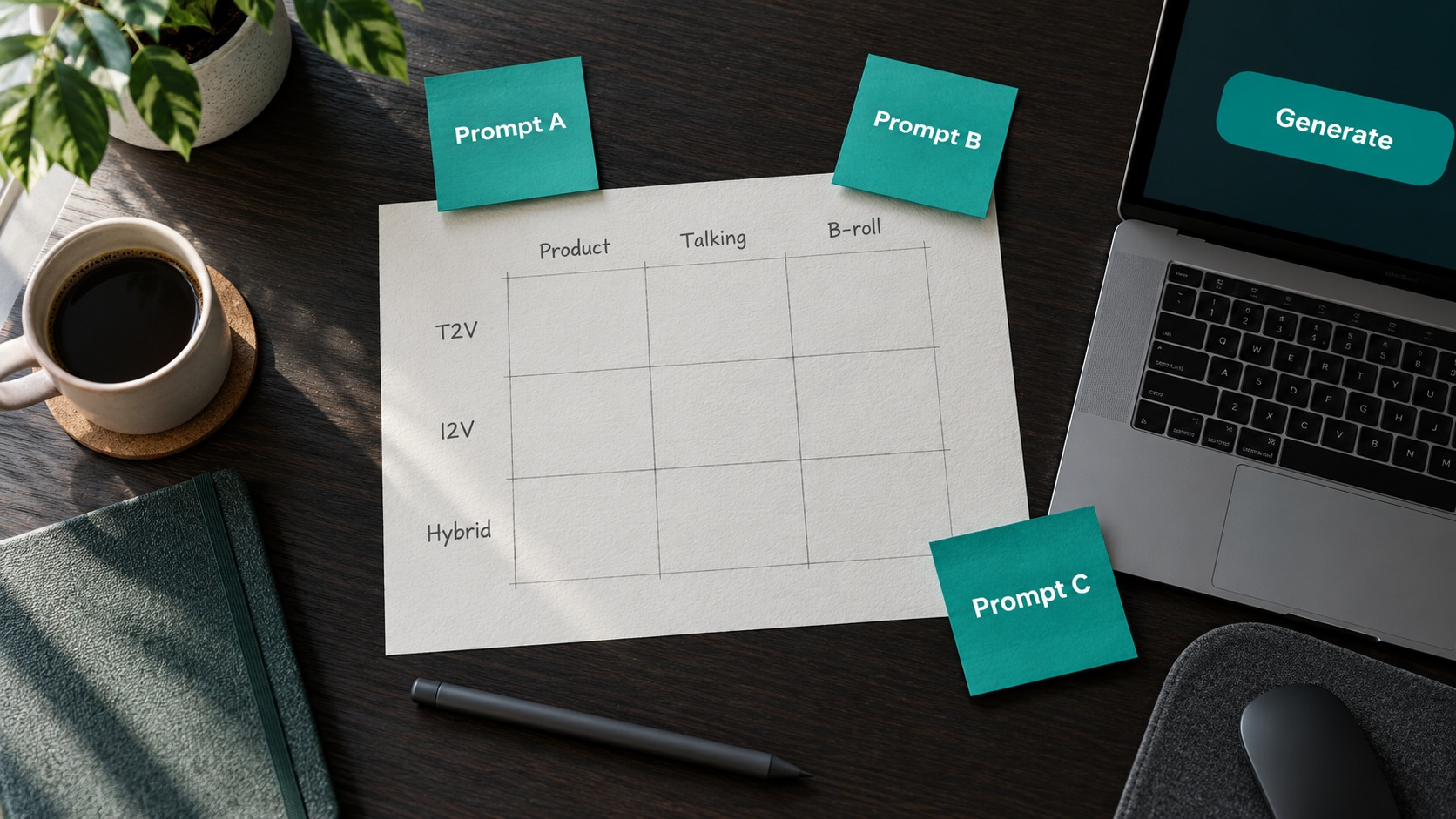
Job → mode matrix
| Your situation | Prefer | Why | Watch-out |
|---|---|---|---|
| New concept, no hero still | Text to Video | Words iterate faster than plates | Do not lock Quality on the first miss |
| Product packshot already approved | Image to Video | Continuity is the sell | Weak still → soft motion forever |
| Two motion ideas, same face/logo | Image to Video + one variable | Fair A/B | Change only camera or action |
| Stakeholders still rewrite the script | Short Text to Video samples | Cheap story tests | Audio lines that will change tomorrow |
| Soft pixels, story already right | Upscale path after lock | Do not regenerate for sharpness alone | See upscaler guide |
| Face close-up, line locked, mouth soft | Lip-sync decision after generate | Mouth is finishing | Skip if face is tiny in frame |
Copy-ready starter prompts (adapt, then estimate)
A — Text to Video (product beat)
Medium shot of a matte-black wireless earbud case on brushed aluminum,
slow push-in, soft window light from camera left, shallow depth of field.
Quiet room tone, no music. Keep the product centered. 16:9, clean commercial look.
B — Text to Video (talking hook—dialogue in scene)
Close-up of a confident host facing camera, soft key light, neutral backdrop.
They say clearly: "Open the generator, pick the job, then spend credits once."
Natural expression, subtle nod, cinematic but clean. 9:16 for mobile review.
C — Image to Video (still leads)
Animate this start frame only: keep identity, wardrobe, logo, and framing identical.
Add a slow ease-in and gentle light shift; no new props; no morphing hands.
Preserve material texture; prioritize continuity over dramatic camera moves.
Run the short sample. If the beat is wrong, rewrite one sentence. If the plate is wrong, fix the still—do not blame the mode.
Credit habit (selection ritual, not superstition)
- Pick Text or Image from the real job.
- Open the Google Veo 3 video generator (or Text to Video when that is the label you need).
- Read the estimate → generate a short sample → preview at 100%.
- Only then lengthen or raise tier.
- Compare allowance on pricing; if you are still proving the first beat, start from free credits / the homepage Free entry.
FAQ: Generator Mode Decisions
Is “Google Veo 3 video generator” a different product from the AI video generator on this site?
No. On veo-3.app the AI video generator is the production surface for Veo 3 / Veo 3.1 workflows. “Google Veo 3 video generator” is the search language; the landing is the same generator family plus Text to Video when you want that labeled entry.
Should I always start with Image to Video if I have any photo?
Only if that photo is the hero. A weak phone snap is not a plate—Text to Video (or a better still first) often wins.
Where do model tiers fit?
Mode first, tier habit second. Draft on a cheaper listed tier while the brief is soft; promote when composition already reads. For a Lite-focused decision, use the companion Lite article once it is live; for rates and plans, always open live pricing.
How is this different from a pure howto?
Howtos teach prompting steps. This page teaches which job to open and what the generator must prove before you spend. Pair it with How to Make AI Videos with Veo 3 when you need revision craft.
Can I invent a /veo-studio or /lipsync product URL?
No. Link only verified landings: generator, text-to-video, pricing, free credits, homepage, and published blog guides.
Ready to Choose Text or Image?
Open the Google Veo 3 video generator, pick Text to Video or Image to Video from the real job, run one short sample, read the estimate, and only then commit length or tier. Compare plans on pricing, or start from free credits / the homepage Free entry while you prove the first beat.
Related reading
- AI Video Upscaler Guide: Sharpen Generated Clips Before Export — when clarity—not mode—is the gap.
- AI Lip Sync for Talking Clips: When Mouth Motion Matters — when the face is the sell after generate.
- How to Make AI Videos with Veo 3: Prompts, Models, and Revisions — prompting and revision habits once the mode is locked.