

Google Flow is Google's AI filmmaking studio, with Veo 3.1 among its video models. It brings prompts, visual references, and scene-building tools into one creative process. For a filmmaker working shot by shot, that is an appealing starting point.
The harder question is what happens on take five. Credits shape how often you can experiment, and moving your process into one studio means learning its tools and working within its limits. If you like Veo's output but want a different way to create, changing the application can be more useful than changing the model.
This guide compares six Google Flow alternatives, starting with Veo 3 APP. Some let you keep using Google Veo; others offer a different approach to AI video generation. The right choice depends on the shots you make, the revisions you expect, and what happens after you click Generate.
What to look for in a Google Flow alternative
Model choice, including Veo itself
Separate the model from the studio. Google Veo generates video; Flow is one way to work with it. If Veo's motion and sound suit your project, look for another application that supports Veo 3.1. If you want a different visual result, compare models using the same brief and reference image.
Model choice is useful when it solves a production problem. A product close-up, a speaking character, and an abstract transition may benefit from different approaches. Keep a short test prompt so you can judge framing, motion, and sound on equal terms.
Credit economics that leave room for another take
Compare the cost of a usable result, rather than the headline size of a credit bundle. Check the selected model, duration, resolution, and number of outputs. Then budget for revisions: one draft to test the idea, another to correct the motion, and a final version to check the details.
Google's credit guide explains Flow's allowances and model-specific charges. A smaller allowance can still be useful for learning, while a larger bundle can disappear quickly if every test uses your most expensive settings.
A complete workflow for your kind of video
Start with the material you already have. Do you need text-to-video, an image as the first frame, or reference-led generation? After generation, can you find the result, review it, and download the clip for editing?
A full editing suite matters if you need to assemble a finished sequence in one place. A focused generator can be a better fit if you already cut in another editor. Choose for the whole job, including the handoff.
The 6 best Google Flow alternatives
Here is the shortlist. The order reflects workflow fit for readers who want to start with Veo; it is an editorial selection, rather than a benchmark ranking.
At a glance · Scroll sideways on smaller screens
| Alternative | Best for | Pricing approach | Why consider it? |
|---|---|---|---|
| 1. Veo 3 APP | Keeping Veo in a focused creation workflow | Paid plans; see our pricing page | Veo 3.1 choices, text or image inputs, and other video models |
| 2. Adobe Firefly | Adobe-centered creative production | Free access and paid credit plans | Firefly and partner models, including Veo 3.1 |
| 3. Kling AI | Reference-led action and multi-shot ideas | Check current membership options | Kling's own video models and narrative controls |
| 4. Runway | Generation alongside editing and audio tools | One-time free credits; paid tiers | A broader production toolkit around generated footage |
| 5. Hailuo AI (MiniMax) | Character motion and visual experiments | Check subscription and credit offers | A direct route to MiniMax's video tools |
| 6. Pika | Short transformations and social video | Paid plans and credit packs | Motion and editing apps for compact visual ideas |
#1. Veo 3 APP

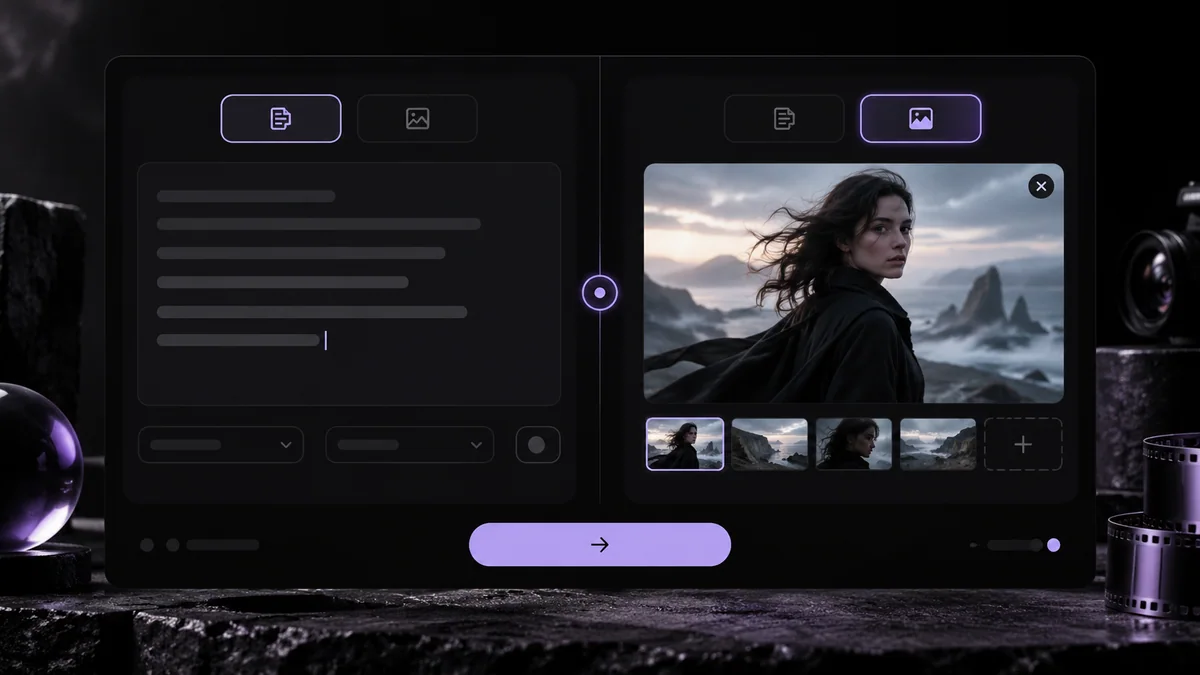
If your goal is to use Veo without Google Flow, start with our AI video generator. Veo 3 APP gives you a direct path from a written shot or reference image to a generated clip, with model and output controls beside your prompt.
Why it's a good Google Flow alternative
You can keep Google Veo in your process while changing how you work with it. Our generator includes Veo 3.1 Lite, Fast, and Quality, alongside other video choices such as Seedance. Text-to-video works for a new scene; image-to-video lets you begin with an established composition.
That makes a practical revision loop: choose a model, set the shot, review the credit cost, generate, and inspect the result. For the next take, change one instruction at a time. Keep the framing and subject fixed while testing the camera movement, then refine the sound or action. Your results remain available to preview and download.
Best for
Creators and small teams who like Veo's output, want to compare it with other models, and already have an editor for assembling their finished video. This is a generation workflow; plan your multi-shot edit around the clips you download.
Pricing
See the Veo 3 APP pricing page for current plans, credits, and billing options. Check the generation's credit cost with your chosen model and settings before starting a series of tests.
#2. Adobe Firefly

Adobe Firefly brings Adobe's video model and partner models into a wider creative environment. Its video generator lists Veo 3.1 as well as other model choices.
Why it's a good Google Flow alternative
Firefly is worth a look when generation needs to sit close to editing. Adobe describes tools for arranging clips, adjusting timing, and adding sound, giving you a route beyond the initial render. For an Adobe-centered production, that can reduce the handoff between the first idea and the edit.
Best for
Designers and video teams who already organize their work around Adobe tools and want model choice within that process.
Pricing
Free access and paid credit plans are available. Review Adobe's plan comparison for the models, allowances, and regional prices that apply to your account.
#3. Kling AI

Kling AI is Kuaishou's video creation platform. The Kling 3.0 announcement describes text, image, and reference inputs, multi-shot storytelling, and native audio.
Why it's a good Google Flow alternative
Kling offers a different model family to test when your reference or action needs another interpretation. Try a simple movement before committing to a complex sequence: a person turning, an object being picked up, or a camera moving around a product. Review subject identity and motion continuity across the full clip.
Best for
Creators exploring action, reference-based scenes, and short narrative sequences who are happy to learn Kling's controls.
Pricing
Check the membership and credit options inside Kling AI. Compare the charge for the specific model and duration you need; a credit count on one platform is not directly comparable with another's.
#4. Runway

Runway combines generative video with a wider set of creative tools. Its plans cover video and image models, with music, voice, and sound-effect tools among the paid features.
Why it's a good Google Flow alternative
Consider Runway when the generated shot is one part of a larger production. Its toolset gives editors more to evaluate than the first render alone. Bring a real editing task to the trial: generate a missing insert, assess the motion, and see how easily the result fits the surrounding footage.
Best for
Editors and filmmakers who want to assess generation, visual refinement, and audio tools together.
Pricing
Runway lists a one-time free credit allowance and paid subscriptions. Check Runway's pricing for model access, monthly credits, and the difference between monthly and annual billing.
#5. Hailuo AI (MiniMax)

Hailuo AI is MiniMax's video creation platform. Its tools offer another place to develop reference-led clips and experiment with movement.
Why it's a good Google Flow alternative
MiniMax's Hailuo 2.3 release emphasized body movement, expressions, and response to motion instructions. Those are useful areas to test if your scene depends on a character performance. Keep the action brief and check hands, facial changes, and contact with objects before adding a second action.
Best for
Creators comparing character motion or turning a visual concept into a short scene, with a separate editor ready for assembly.
Pricing
Review the subscription and credit offers shown in Hailuo AI. Check any trial's eligibility and expiry before using it to budget a project; a temporary allowance is different from a recurring plan.
#6. Pika

Pika offers video generation alongside focused apps for tasks such as motion transfer, swapping elements, and extending a clip. It is a useful direction to explore when the idea starts with a transformation.
Why it's a good Google Flow alternative
For a short social post, the effect can be the brief. Start with the image, identify the one change the audience should notice, and build around that moment. A focused tool can help you test the visual idea before spending time on a longer narrative.
Best for
Social creators making compact visual experiments, animated images, and effect-led clips.
Pricing
Check Pika's pricing page for subscriptions and credit packs. Its listed free account does not include a monthly credit allowance, so do not assume free signup means free video generations. Review commercial-use coverage for your selected plan too.
Keep Veo, lose the limits
Leaving Flow does not have to mean leaving Veo. It can mean finding controls, model choices, and a revision process that better match the way you make videos. Credits still matter, whichever application you choose: a clear brief and a controlled test are usually more useful than generating a dozen unrelated takes.
Start with one scene in Veo 3 APP. Write the subject, action, and camera direction; choose Veo 3.1 or another model; then review the result against your brief. Keep the take that works and make the next change deliberate.
Your scene. Your choice of model.
Put the comparison into practice. Bring a prompt or reference image and create your next video with Veo 3 APP.
FAQs
What is Google Flow?
Google Flow is Google's AI filmmaking studio. It combines video generation, visual references, and scene-building tools, with Veo 3.1 among its supported models. Google's model and feature guide explains which controls work with each model.
Is Google Flow free?
Google offers free credits to eligible users, alongside paid Google AI memberships. Allowances and generation costs depend on the model and plan. Read Google's credit guide before budgeting several takes or a higher-cost render.
Can I use Veo 3.1 without Google Flow?
Yes. Our Veo 3 APP generator supports Veo 3.1 Lite, Fast, and Quality with text and image workflows. Select a model, add your prompt or reference, review the settings and credit cost, and generate. Adobe Firefly also lists Veo 3.1 among its partner models.
What is the best free Google Flow alternative?
For an initial test, Runway's one-time free credits or Adobe Firefly's free access are useful starting points. Choose the one that includes the workflow you want to try. Free access can have model and usage limits; Pika's free account currently lists no monthly credits. For Veo 3 APP, compare the options on our pricing page.
Which alternative is best if I want to keep Veo?
Start with Veo 3 APP for a focused prompt-to-clip workflow, or consider Adobe Firefly if you want generation close to Adobe's editing tools. Test the same scene and compare the controls, credit cost, and downloaded result.
